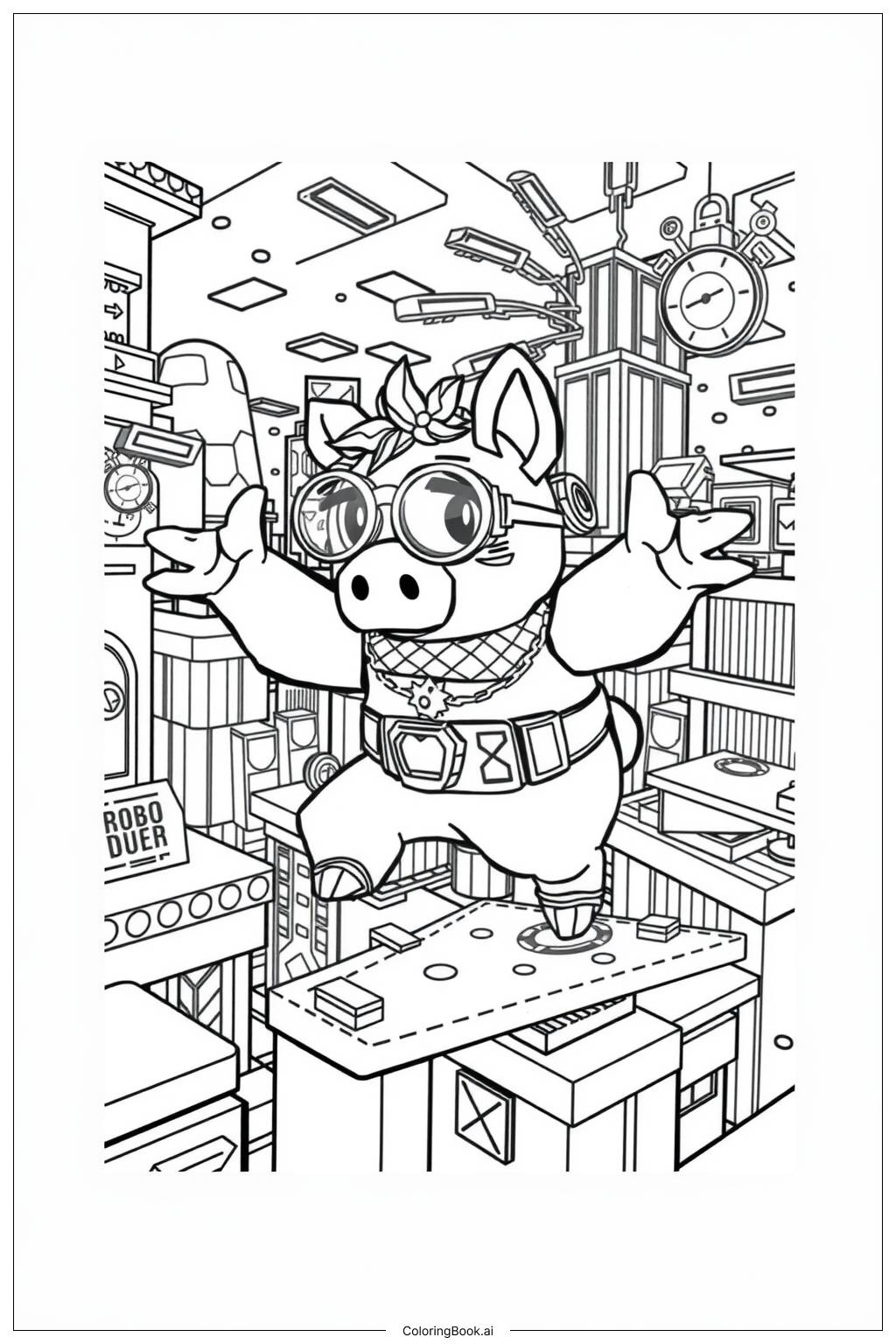
Coloring tips: How to color Piggy Roblox Adventure in a Game coloring page well?
Start with Piggy's skin using a soft pink shade. Her outfit can be colored in classic white or light gray, with darker gray or black for shadows and outlines. Use red or dark brown for her bat to make it stand out. Her eyes can be colored with bright whites and deep black pupils to give that eerie Piggy look. For the Roblox game background, use bright and bold colors like blue, green, and yellow to capture the fun blocky style of Roblox worlds. Platforms and obstacles can be colored in earthy browns and grays. Try adding some bright highlights to the game elements to make the scene feel lively and energetic. Don't be afraid to mix bold and soft tones to balance the spooky character with the colorful game world. Use colored pencils or markers for clean, sharp edges on the blocky shapes.
Coloring challenges: Which parts are difficult to color and need attention for Piggy Roblox Adventure in a Game coloring page?
• Piggy's Facial Details: Piggy has a round snout, small nostrils, and expressive eyes that require careful coloring. The face is a small area packed with detail, so using a fine-tipped tool is important to avoid coloring outside the lines. Getting the right pink tone for the snout while keeping the rest of the face a slightly different shade adds to the challenge.
• Blocky Roblox Background Elements: The background is filled with Roblox-style blocky shapes, platforms, and game props. Each block needs clean, sharp edges to look right. Staying inside the straight lines of each block without smudging into neighboring areas can be tricky, especially for younger colorists.
• Outfit Shading and Texture: Piggy's clothing has folds and layers that benefit from light and shadow coloring. Adding depth with darker shades in the creases while keeping lighter tones on raised areas creates a more realistic look, but this technique takes practice and patience.
• The Bat Prop: The bat Piggy carries is a narrow, elongated object with a wood-grain or smooth texture. Coloring it neatly without going over the edges onto Piggy's hand or body requires steady hands and a sharp coloring pencil or fine marker.
• Overall Color Balance: Balancing the spooky, muted tones of the Piggy character against the bright and vivid colors of the Roblox game world is a creative challenge. Too many bright colors can make Piggy look less scary, while too many dark tones can make the whole image feel heavy. Finding the right mix takes thoughtful color planning.
Benefits of coloring books: Advantages of drawing Piggy Roblox Adventure in a Game coloring page
Coloring this Piggy Roblox Adventure page offers a wide range of benefits for kids and young fans of the game. First, it helps improve fine motor skills as children carefully color inside the detailed lines of Piggy's face, outfit, and the blocky Roblox background. This kind of focused hand movement builds coordination that is useful in everyday life and school tasks.
Second, it encourages creativity. Kids get to choose their own color combinations, deciding how their version of Piggy and the game world looks. This builds confidence in making creative decisions.
Third, coloring is a calming activity. It helps children slow down, focus, and relax, which is great after an energetic day of gaming or school. The repetitive motion of coloring is known to reduce stress and improve mood.
Fourth, connecting a beloved game character like Piggy to a hands-on art activity bridges digital fun with real-world creativity. It deepens a child's connection to the characters they love.
Finally, finishing the page gives kids a real sense of achievement. Completing a coloring page they are proud of boosts self-esteem and motivates them to keep creating. It is a simple but powerful reward.