Coloring tips: How to color Optimus Prime In City Outline coloring page well?
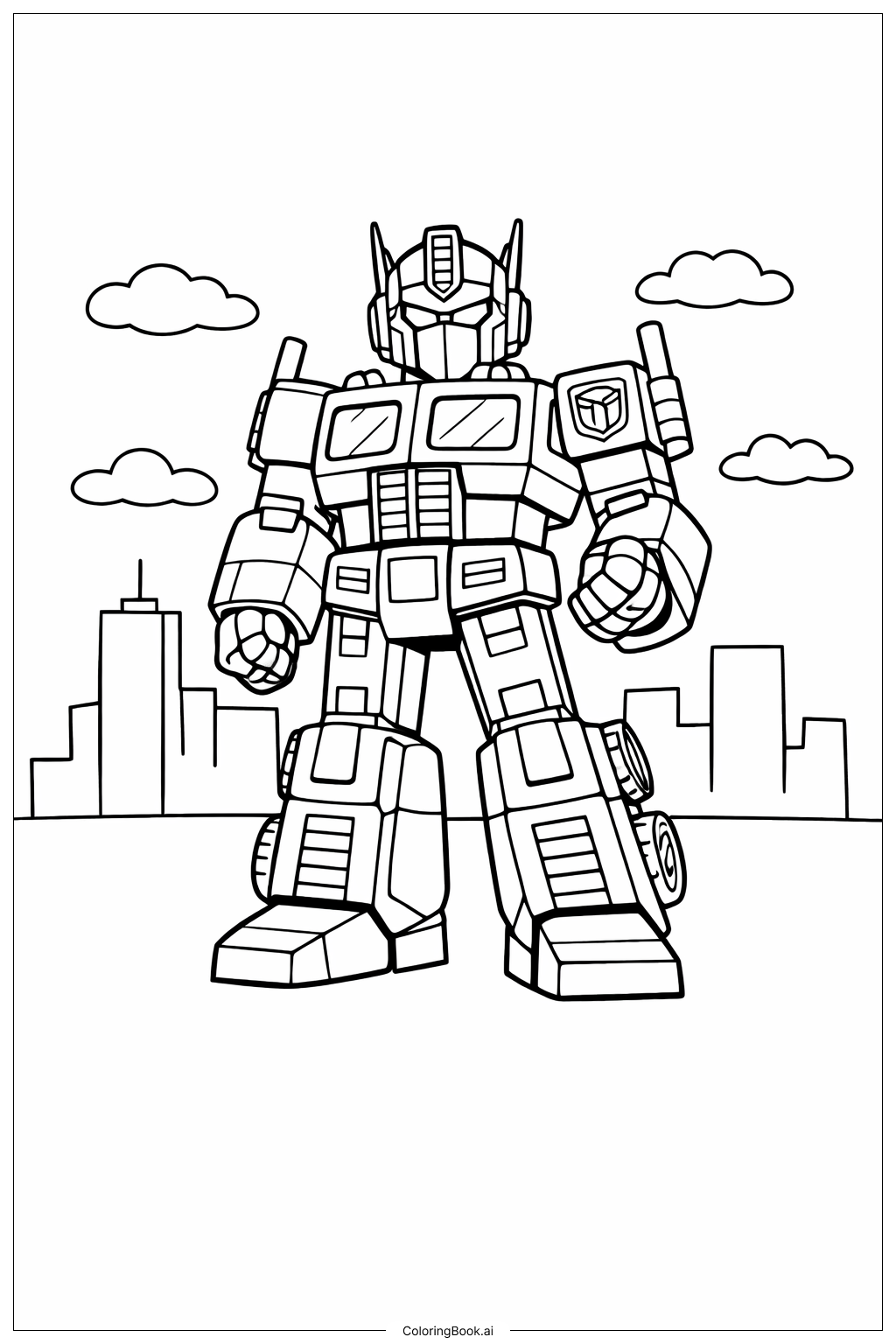
Use bright colors like red and blue for Optimus Prime’s body to make him stand out. His windows can be colored light blue to look like glass. Add gray or silver for metal parts to give a realistic robotic feel. Use light colors like gray or beige for the buildings in the background so they don’t take attention away from Optimus Prime. You can color the clouds soft white or light gray. Use different shades in the wheels and panels to create depth and make the robot look three-dimensional. Remember to color carefully inside the lines for the best look.
Coloring challenges: Which parts are difficult to color and need attention for Optimus Prime In City Outline coloring page?
1. Small details on Optimus Prime’s body, like the panels and buttons, can be hard to color precisely.
2. The many straight lines and shapes require steady hand control to stay inside the edges.
3. Coloring the wheels and small round parts evenly may be challenging.
4. Making the city background look less bright than Optimus Prime to keep focus might be difficult.
5. Blending colors for a metallic effect needs practice and patience.
Benefits of coloring books: Advantages of drawing Optimus Prime In City Outline coloring page
Coloring this picture helps kids improve hand-eye coordination and fine motor skills. They learn to pay attention to small details while staying inside the lines. Choosing colors for different robot parts encourages creativity. It also teaches color matching and blending when creating metallic effects. Plus, kids get a sense of achievement and pride when they finish a complex character like Optimus Prime. This kind of coloring boosts focus and patience, all while having fun.