Coloring tips: How to color Dragon Ball Dragon Radar coloring page well?
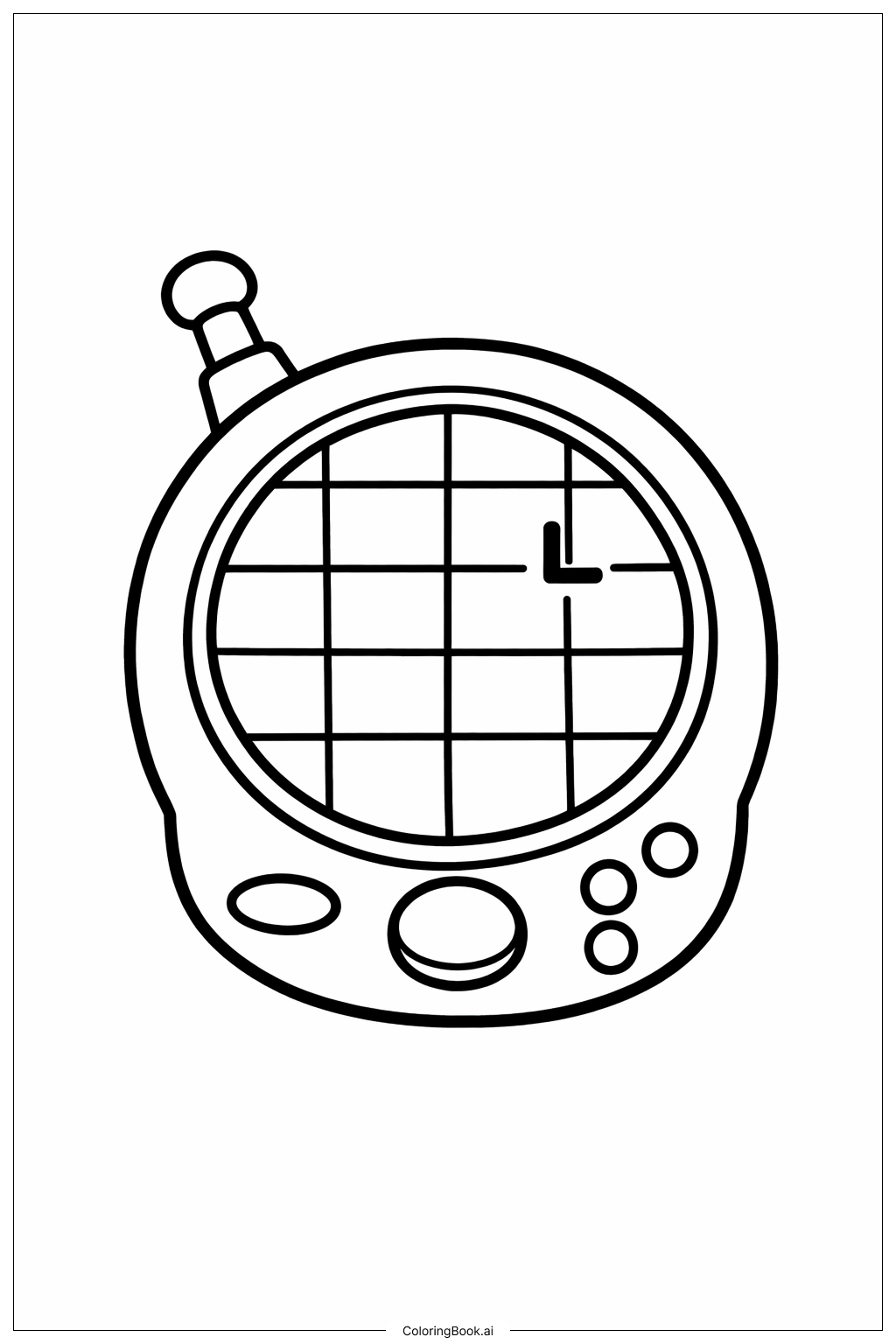
For coloring the Dragon Radar, start with the main body in gray or silver to give it a metallic look. The screen can be colored light blue or green to represent a radar display. Use darker shades for the grid lines and pointer to make them stand out. Buttons can be bright colors like red, yellow, or blue to add fun accents. The antenna can be colored a darker gray or black. Try blending light and dark shades to give a 3D feel. Use a fine-tip pen or crayon for the small buttons and lines to color neatly. Avoid coloring outside the lines to keep it clean.
Coloring challenges: Which parts are difficult to color and need attention for Dragon Ball Dragon Radar coloring page?
1. The grid lines on the screen are very thin, so it might be tricky to color around them without smudging. 2. The small buttons on the bottom right are close together, making it hard to color each one distinctly. 3. The round dial in the center requires careful shading to look 3-dimensional. 4. Coloring the antenna evenly might be challenging because of its small size and round shape. 5. Keeping the pointer mark on the radar screen clear and visible while coloring around it needs attention to detail.
Benefits of coloring books: Advantages of drawing Dragon Ball Dragon Radar coloring page
Coloring this Dragon Radar helps improve focus and patience as it requires careful work around small details. It encourages fine motor skills by practicing coloring within tight spaces like buttons and grid lines. The design also stimulates creativity with choices of colors for buttons and screen. Engaging with a Dragon Ball themed image can increase interest in the story and characters. Overall, it offers a fun and educational way to develop hand-eye coordination and artistic skills.