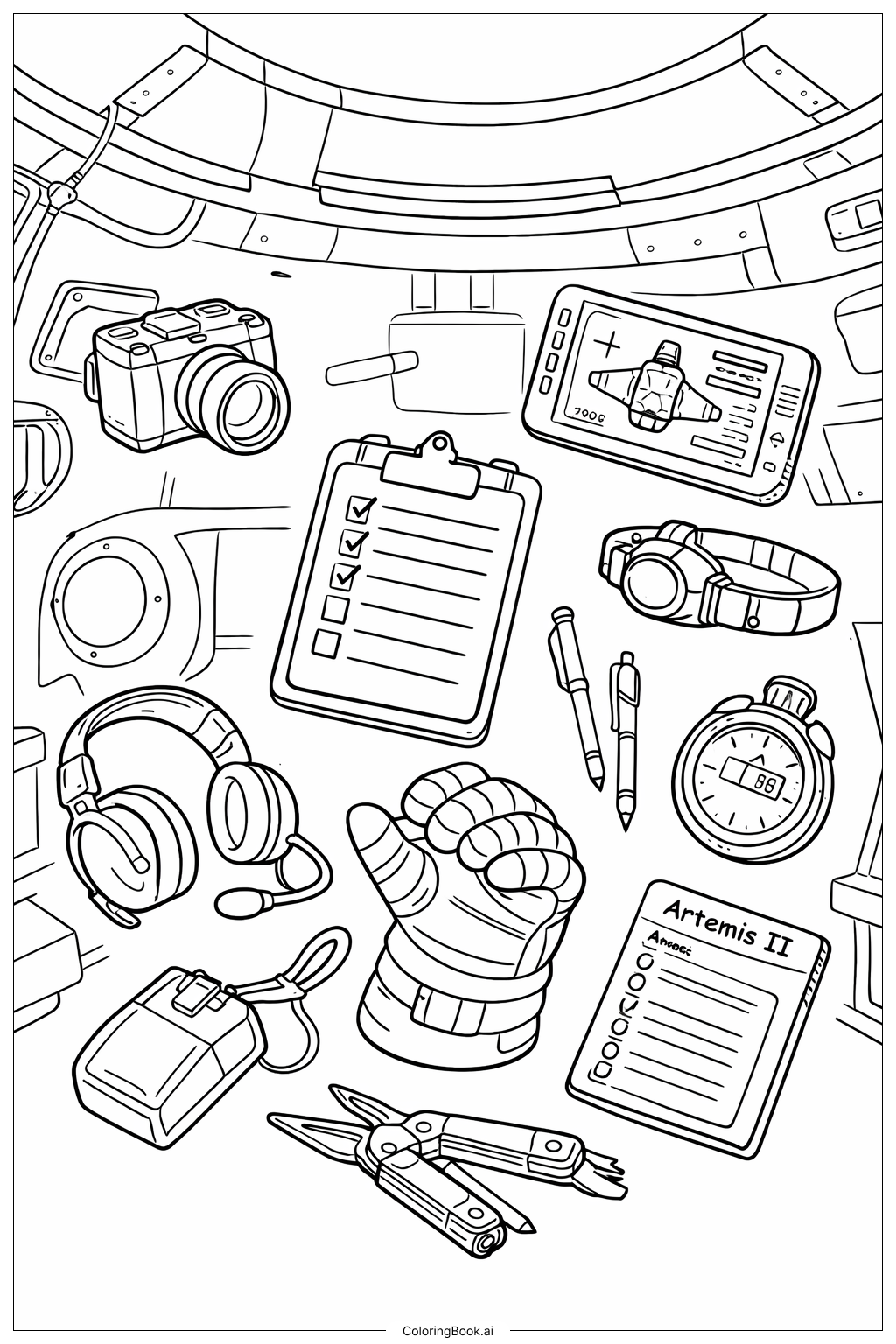
Coloring tips: How to color Artemis II Floating Instruments coloring page well?
Use bright and varied colors to make each object stand out. Color the space glove white with gray stripes to look realistic. The headset and stopwatch can be black or dark gray. Use metallic colors like silver or gray for the pliers and camera. The clipboard can be brown or beige with colorful checkmarks. For the screen, use blue and green tones to show the digital display. Try to color pens in bright shades like red or blue to add fun. Keep the background light but with soft grays to suggest the inside of the spaceship. Remember to stay inside the lines and use shading for a 3D effect.
Coloring challenges: Which parts are difficult to color and need attention for Artemis II Floating Instruments coloring page?
1. Floating objects have no clear base, so it can be hard to decide where shadows should fall to look realistic.
2. The small details on items like the clipboard checklist, stopwatch numbers, and screen icons need careful coloring.
3. The space glove has folds and layers that require attention to shading and different tones.
4. Tools like pliers have metal parts that may be tricky to color to look shiny.
5. Keeping colors balanced so no area looks too dark or too crowded can be challenging.
Benefits of coloring books: Advantages of drawing Artemis II Floating Instruments coloring page
Coloring this picture helps children learn about space tools and encourages attention to detail. It improves fine motor skills by carefully filling small areas and practicing shading. Coloring floating objects also fuels imagination, helping kids think about zero-gravity in space. This activity supports focus and patience while making learning fun and creative.