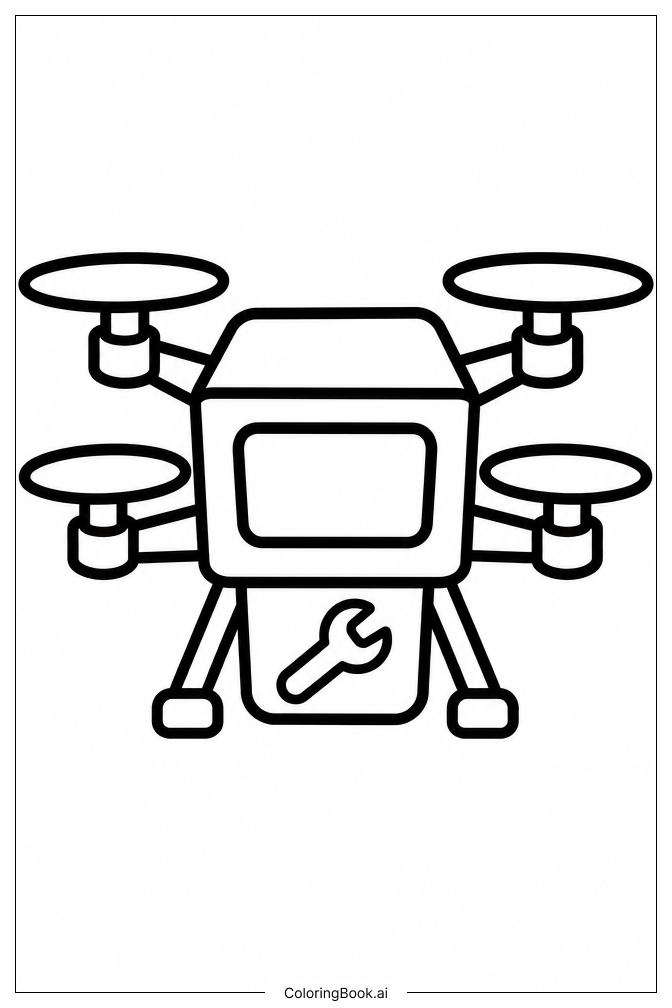
Coloring tips: How to color Transformers Tiny Repair Drone coloring page well?
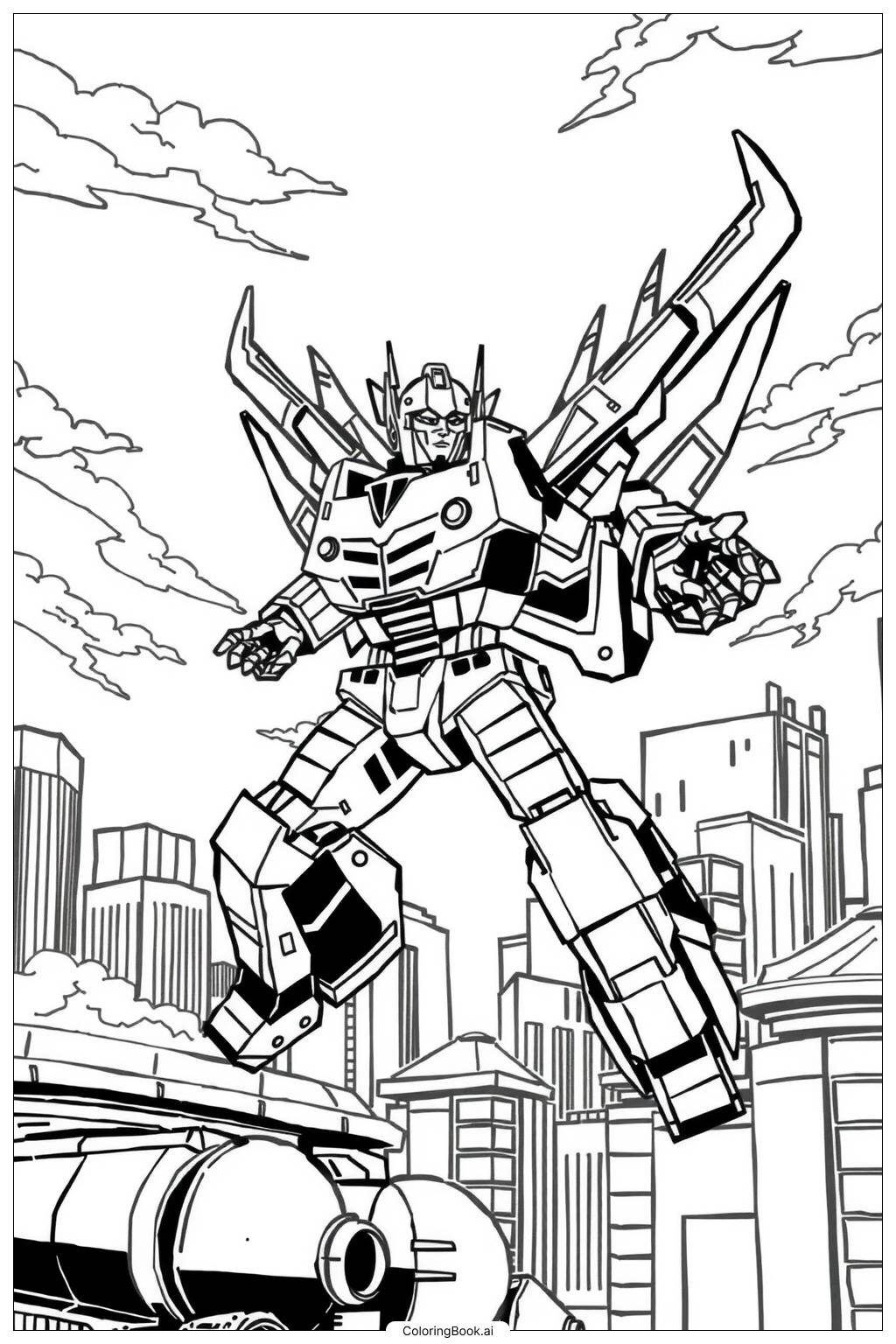
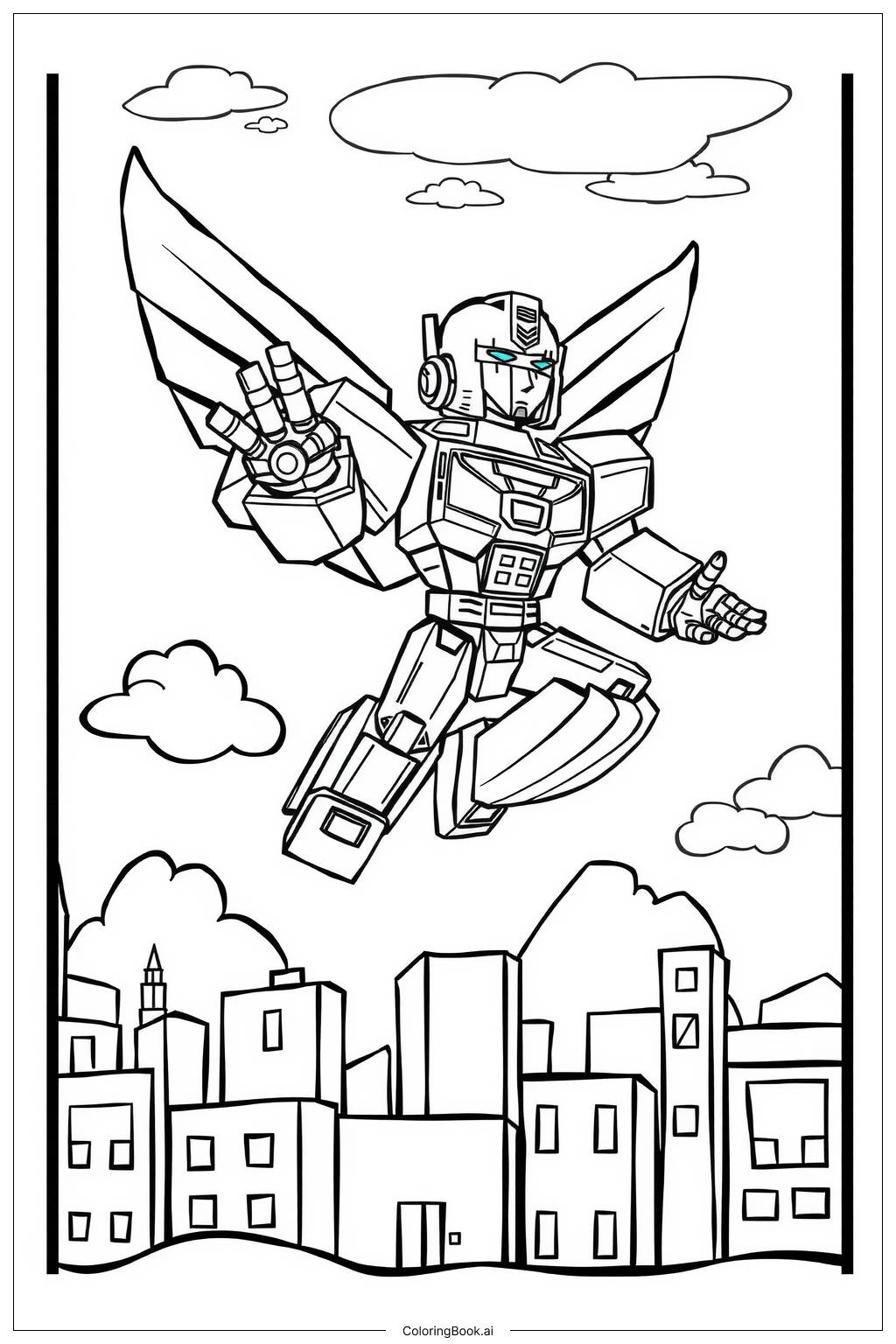
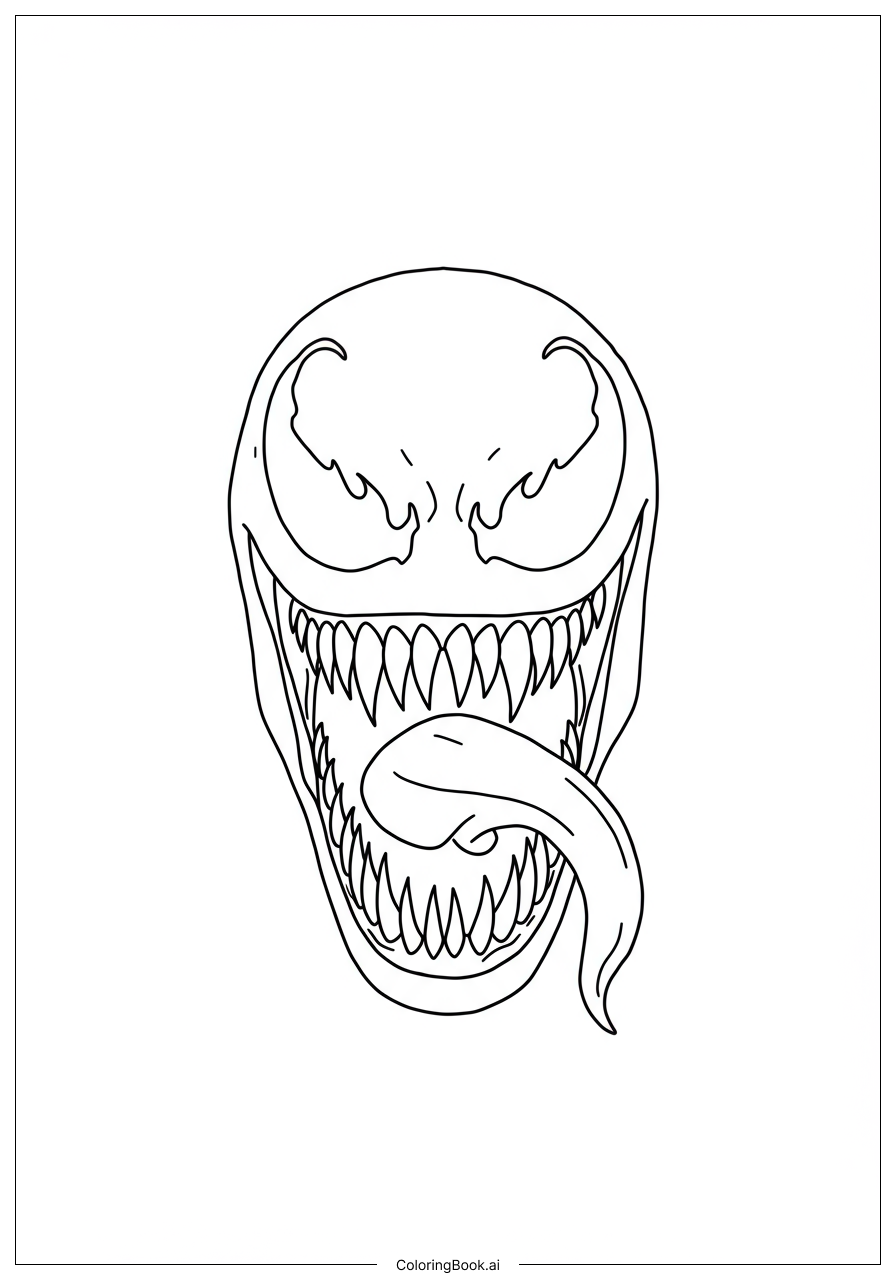
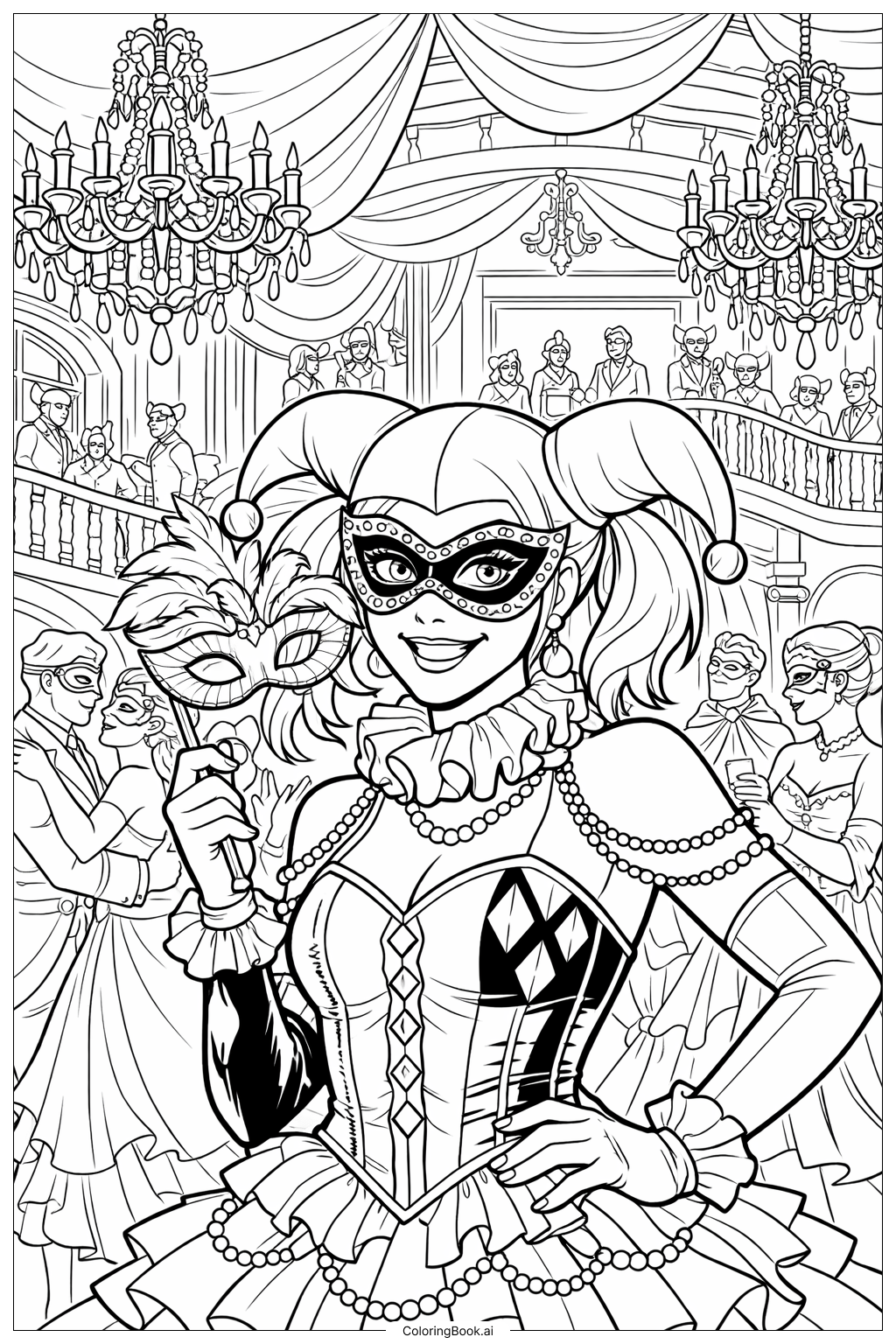
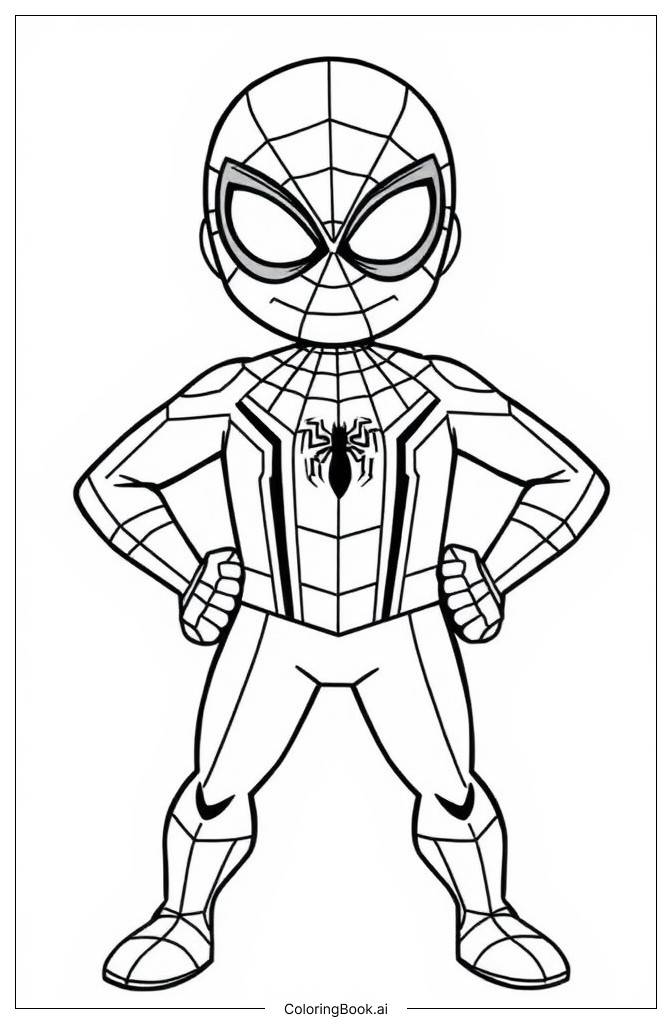
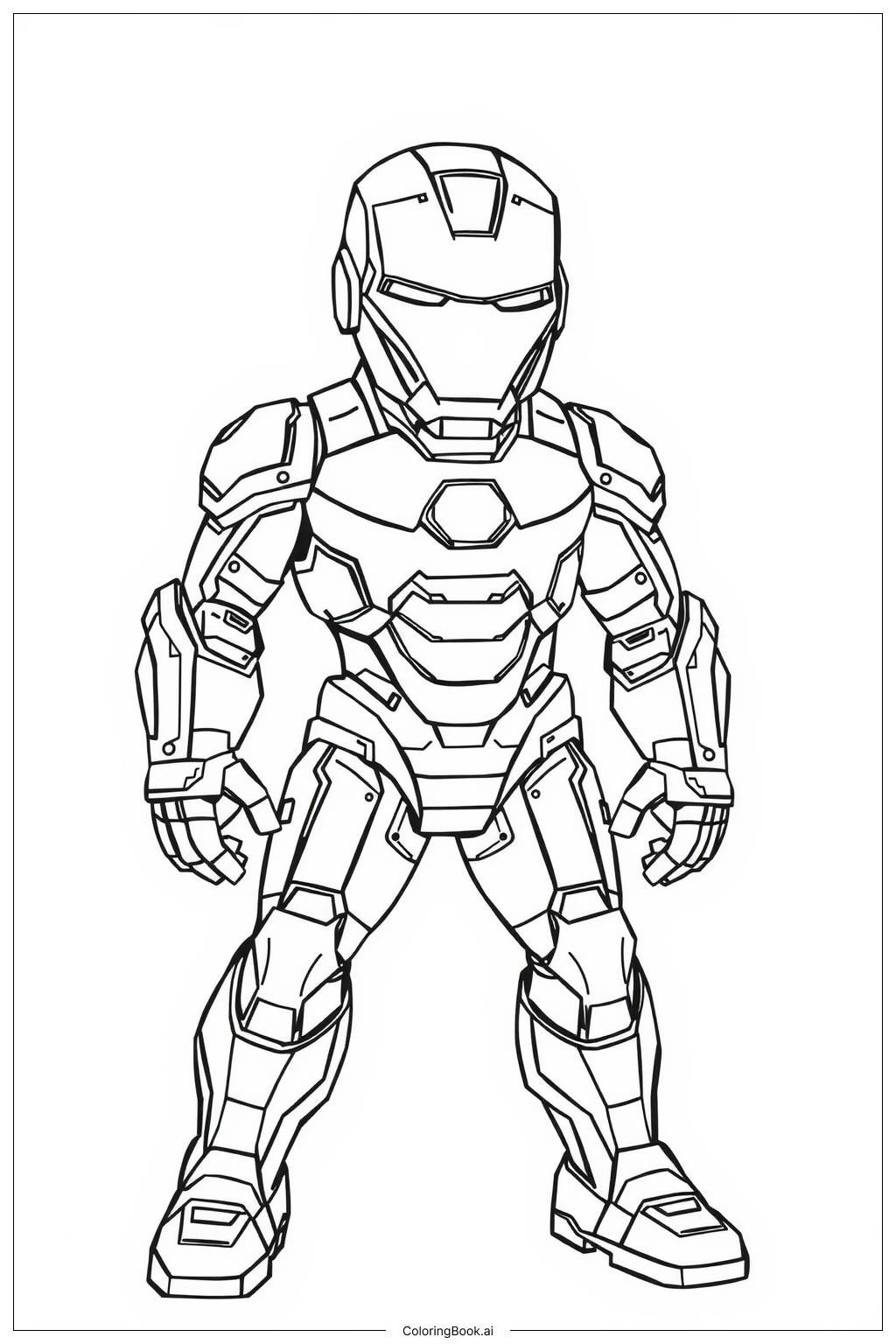
Start with the main body of the drone. Classic Transformers colors like silver, grey, and steel blue work great for the metal plating. Use bright yellow or orange for the visor eyes to make them pop. Add red or white accents on the chest panels and shoulder joints to match the Autobot style. For the tool arms, try dark grey or gunmetal to show they are heavy-duty. Use a lighter shade of blue or teal on the wing fins to give a sense of energy. Add small splashes of neon green or electric blue on vents and panel edges to suggest power and activity. Shading with a slightly darker version of each base color will add depth and a 3D feel to the robot body. Don't be afraid to mix metallic and bright colors — that contrast makes the drone look exciting and alive on the page.
Coloring challenges: Which parts are difficult to color and need attention for Transformers Tiny Repair Drone coloring page?
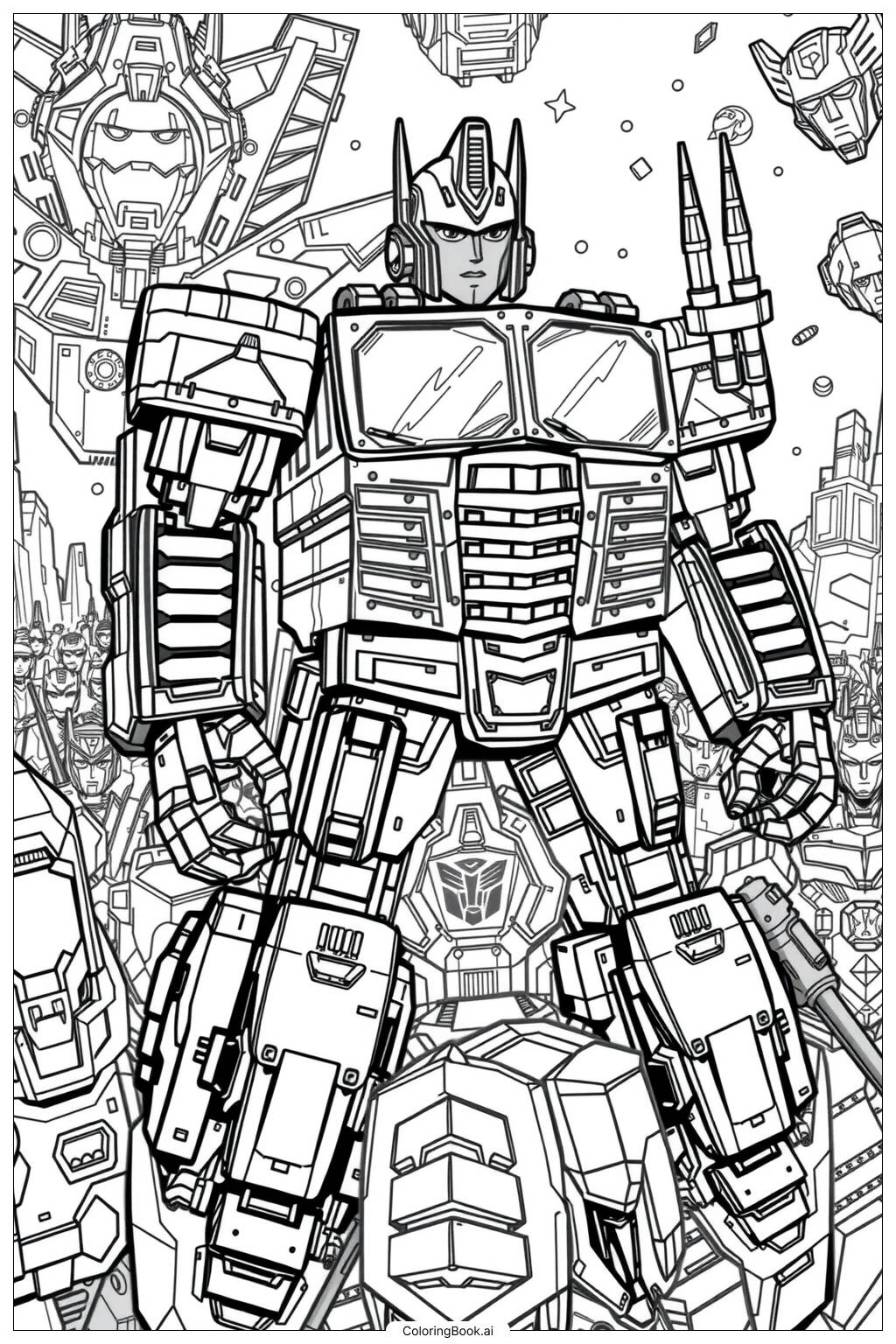
• Panel Lines and Body Seams: The drone's body is filled with thin panel lines, seams, and mechanical grooves. Staying inside these fine lines requires a sharp pencil or a fine-tipped marker. Younger colorists may find it tricky to keep colors from bleeding across these borders, so taking it slowly is key.
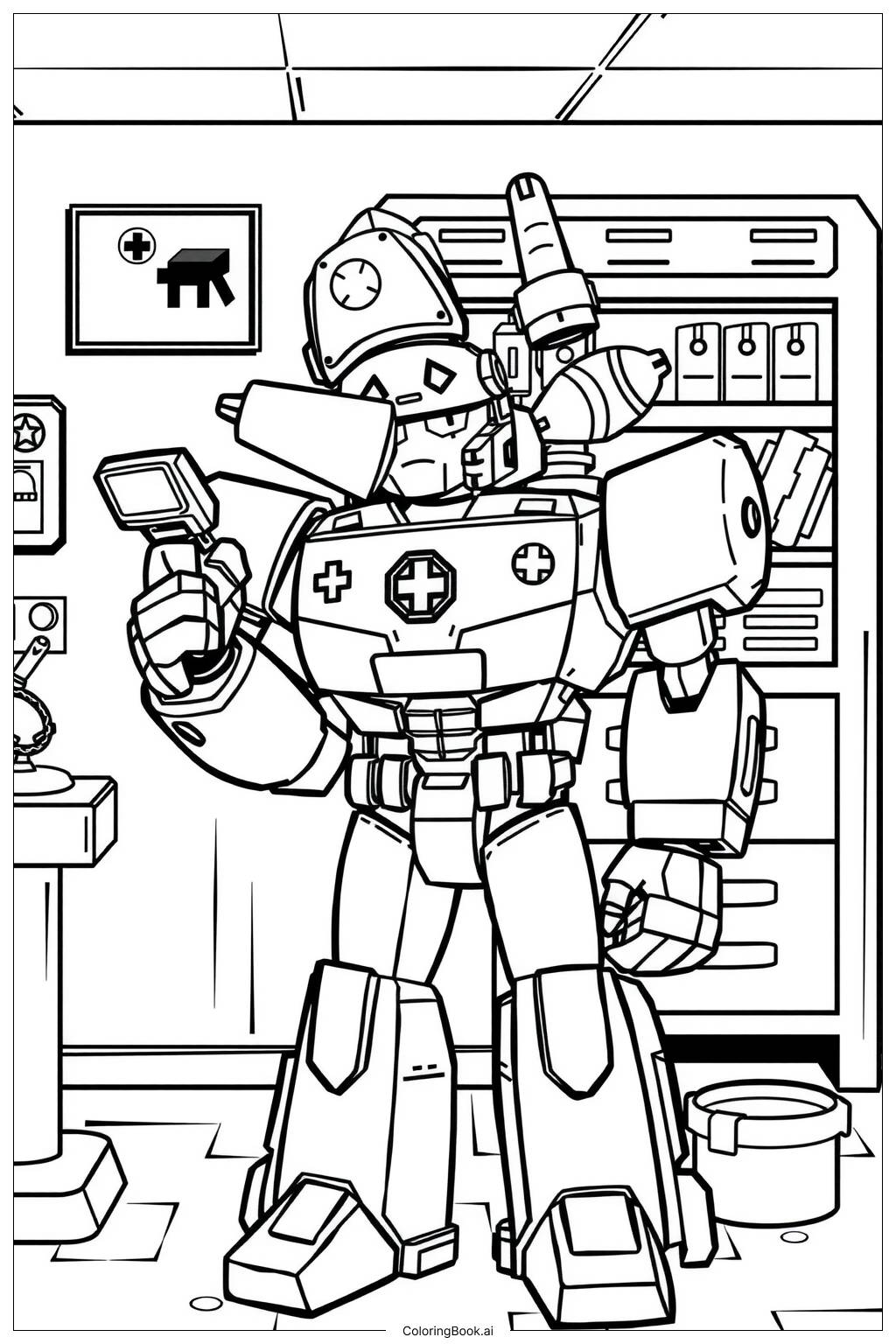
• Mechanical Tool Arms: The tool arms and claws have many small overlapping parts. Each section may need a slightly different shade to show depth and separation. Choosing the right light and shadow colors for each small piece can be challenging without experience in shading.
• Visor Eyes and Face Details: The visor eyes are a focal point of the image. Getting a smooth, glowing effect with colored pencils or markers takes practice. Blending a bright center color outward into a darker edge can create a great glow effect, but it requires patience and a steady hand.
• Wing Fins and Small Surface Details: The fins and vents on the drone's back are small and closely packed together. These areas are easy to accidentally color over or mix up. Using a very fine tool and working carefully section by section will help keep each detail crisp and clean.
• Overall Color Consistency: Because the drone has many different parts, keeping a consistent color scheme across the whole figure can be challenging. Planning your color palette before you start — deciding which areas will be light, medium, or dark — will help the finished piece look unified and polished.
Benefits of coloring books: Advantages of drawing Transformers Tiny Repair Drone coloring page
Coloring this Transformers Tiny Repair Drone page offers a wide range of benefits for kids and young fans. The detailed mechanical design encourages fine motor skill development as children carefully navigate small sections and intricate lines. Choosing colors for a robot character sparks creativity and imagination, letting kids build their own version of a Cybertronian helper. Working through a complex image also builds patience and focus, skills that are valuable both in and out of the classroom. The sense of accomplishment after completing a detailed coloring page boosts confidence and self-expression. For Transformers fans, this activity deepens their connection to a beloved universe in a hands-on, artistic way. It is also a screen-free activity that encourages calm, mindful engagement. Parents and children can color together, making it a great bonding experience. Whether used at home, in school, or on a rainy afternoon, this Free Printable Coloring Page for Boys and Girls brings joy, creativity, and skill-building all in one fun session.