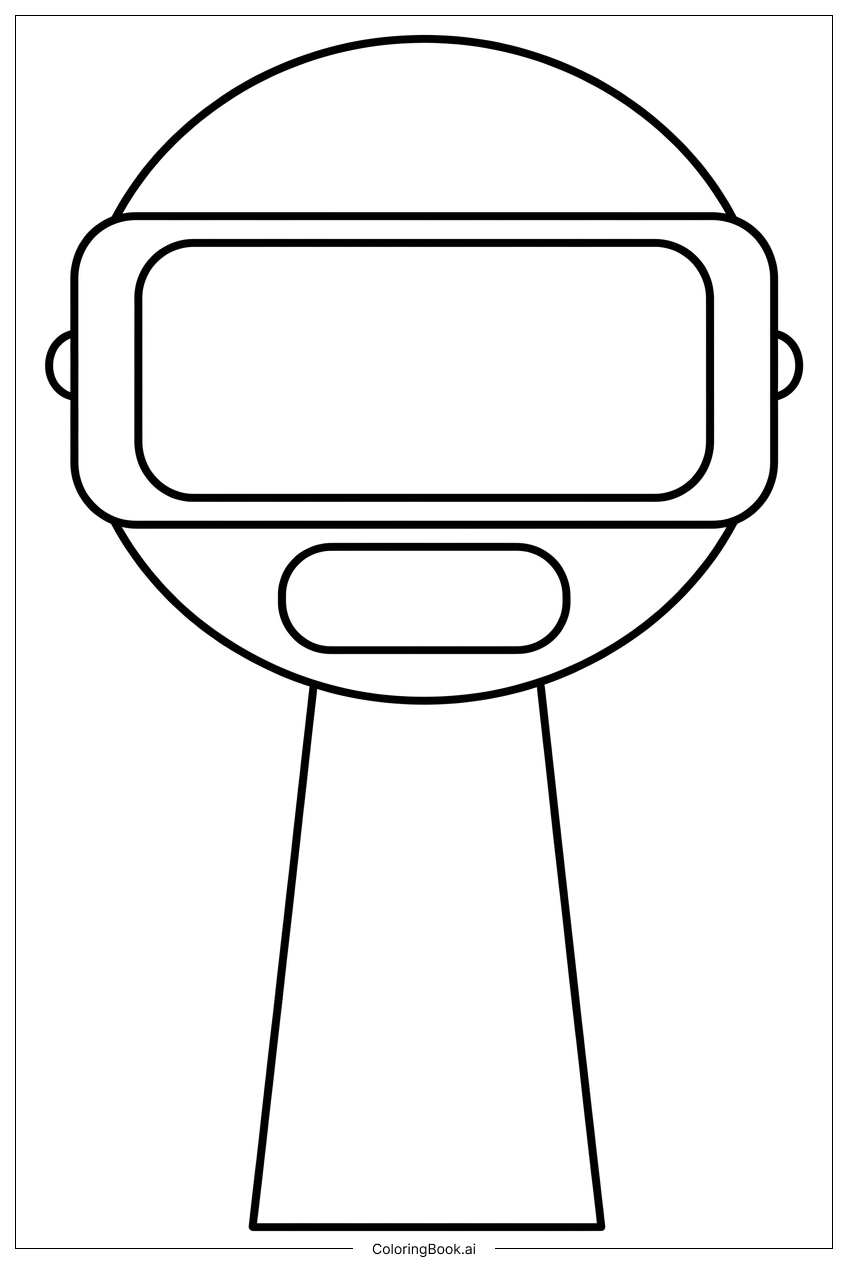
Coloring tips: How to color Sprunki VR-Pilot Ready To Enter Cyberspace coloring page well?
Start with the pilot suit and use bold, cool colors like electric blue, neon purple, or steel gray to give it a futuristic feel. The helmet visor looks great in a bright cyan or glowing green to suggest a digital display. For the circuit patterns on the suit, try a contrasting metallic gold or bright orange to make them pop. The boots can be colored in dark charcoal or deep navy for a grounded, heavy look. Add glowing effects around the energy lines and grid shapes using light yellow, white, or lime green. Feel free to mix neons with darker shades to create a strong cyberspace atmosphere. Boys and Girls alike can have fun experimenting with bold color combos to make this VR pilot truly stand out in the digital world.
Coloring challenges: Which parts are difficult to color and need attention for Sprunki VR-Pilot Ready To Enter Cyberspace coloring page?
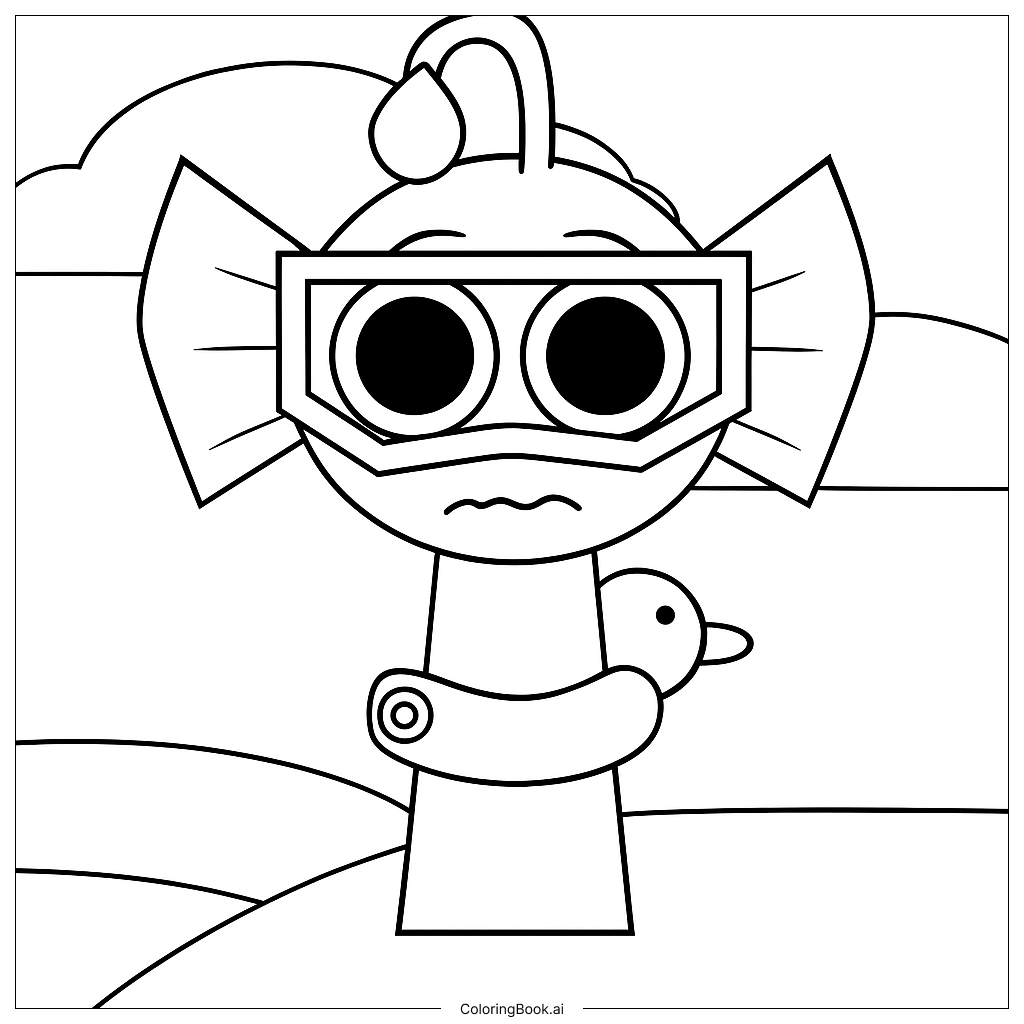
• Helmet Visor Details: The visor on Sprunki's helmet has curved lines and reflective panel shapes that can be tricky to color neatly. Staying inside the curved edges requires a fine-tipped marker or colored pencil. Try using lighter shades at the center and darker tones toward the edges to create a glowing effect.
• Circuit and Panel Patterns on the Suit: The pilot suit is covered in small circuit-like lines and segmented panels. These tiny details sit very close together, making it easy to accidentally color outside the lines. Use a sharp pencil or a fine marker to work through each section slowly, coloring one panel at a time to keep things clean and consistent.
• Geometric Background Elements: The grid lines, floating shapes, and energy effects in the background add depth but can be confusing to color. Deciding which areas should be light and which should be dark takes planning. Lightly sketching your color plan before starting can help avoid a cluttered or muddy result.
• Layering Glow Effects: Creating a convincing glowing cyberspace look means blending colors smoothly, especially around energy bursts and lit edges. Blending from a bright center color outward to a darker shade is the goal, but this technique can be challenging without practice. Colored pencils work best here for gradual transitions.
• Small Accessory Details: Buckles, buttons, and tech gadgets on the suit are small and tightly spaced. Coloring these without smudging the surrounding areas requires patience and a steady hand, especially for younger colorists.
Benefits of coloring books: Advantages of drawing Sprunki VR-Pilot Ready To Enter Cyberspace coloring page
Coloring this Sprunki VR-Pilot page is a fantastic activity for kids and teens who love technology and adventure. It helps develop fine motor skills as children carefully navigate the small circuit lines, curved visor shapes, and detailed panel patterns. Focusing on staying within the lines builds hand-eye coordination and patience over time.
Choosing colors for a futuristic cyberspace scene also sparks creative thinking. Kids get to imagine what a digital world looks like and express that vision through color. This kind of imaginative play encourages problem-solving and artistic confidence.
The image also introduces children to concepts from science fiction and technology in a fun, accessible way. Thinking about glowing effects, circuit patterns, and virtual reality while coloring can inspire curiosity about how technology works in real life.
For older kids and teens, the layering and blending challenges in this page offer a chance to practice more advanced coloring techniques, building skills that carry over into other art projects. Whether coloring solo or with friends, this page is a relaxing and rewarding creative experience that leaves colorists with a truly cool piece of art to be proud of.