Coloring tips: How to color Sprunki VR-Pilot Checks Systems Before Mission coloring page well?
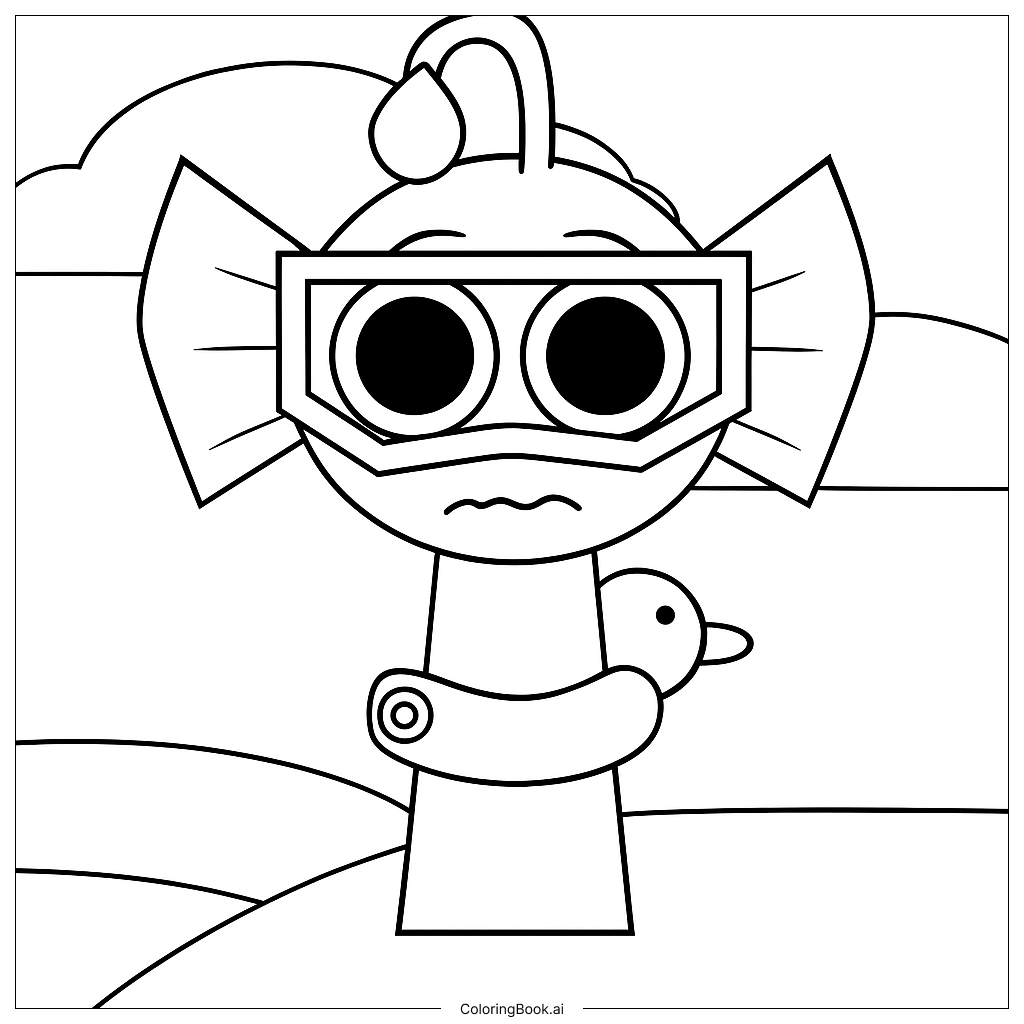
Start with Sprunki's flight suit. Use bold colors like deep blue, silver, or orange to make the suit stand out. Add darker shades along the edges to give it a 3D look. For the VR visor, try shades of gray and black with a bright glowing lens in electric blue or green. Color the control panels with dark backgrounds and use bright neon colors — yellow, cyan, and red — for the buttons and screens. The holographic displays look great in light blue or purple with a soft glow effect. Use warm lighting tones like golden yellow near the cockpit lights to add depth. Keep Sprunki's skin tone natural and use bright, expressive colors for the eyes to show focus and excitement. For the background, dark navy or deep space black works perfectly, with small white or yellow dots for stars. Don't be afraid to mix colors and experiment — this futuristic scene is a great place to let your creativity shine!
Coloring challenges: Which parts are difficult to color and need attention for Sprunki VR-Pilot Checks Systems Before Mission coloring page?
• Flight Suit Details: Sprunki's flight suit has many small panels, zippers, and tech accessories built into the design. Staying within the fine lines while switching between suit sections and gear components can be tricky, especially for younger colorists. Take your time and use a sharp colored pencil or a fine-tipped marker for the small areas.
• VR Visor and Helmet Elements: The visor and helmet area include curved reflective surfaces and layered parts. Creating a convincing glowing lens effect requires blending light and dark tones carefully. Using at least two or three shades of the same color and blending them smoothly will help the visor look realistic and luminous.
• Control Panel Complexity: The cockpit control panels are packed with buttons, dials, screens, and wiring. Each element is small and closely placed together, making it easy to accidentally color outside the lines. It helps to work from the inside of each small shape outward, and to use a fine-tipped tool for the tiniest details.
• Holographic Screen Glow: Making holographic displays look like they are actually glowing is one of the hardest challenges in this image. A good trick is to use a very light color at the center of the screen and gradually deepen the tone toward the edges, creating a natural light-emission effect.
• Background Space Scene: The deep space background needs to feel dark and vast without becoming flat or dull. Layering different shades of dark blue, purple, and black while adding small bright dots for stars takes patience and a steady hand to get just right.
Benefits of coloring books: Advantages of drawing Sprunki VR-Pilot Checks Systems Before Mission coloring page
Coloring this Sprunki VR-Pilot scene offers a wide range of benefits for kids and young artists. First, it builds fine motor skills. The detailed cockpit equipment and small panel buttons require careful, precise movements that strengthen hand control and coordination. Second, it encourages creativity and imagination. The futuristic sci-fi setting gives colorists total freedom to invent their own color world — there are no wrong answers when designing a spaceship cockpit! Third, it introduces color theory in a fun way. Learning how to blend shades to create glowing screens or shiny surfaces teaches kids about light, shadow, and contrast without even realizing they are learning. Fourth, it improves focus and patience. A detailed scene like this one takes time and attention to complete, which helps kids practice staying on task. Fifth, it sparks interest in science and technology. The VR gear, radar screens, and mission systems in the image can inspire curiosity about real-world topics like aviation, space exploration, and virtual reality. Overall, coloring this page is a creative, educational, and deeply satisfying experience for kids of all ages.