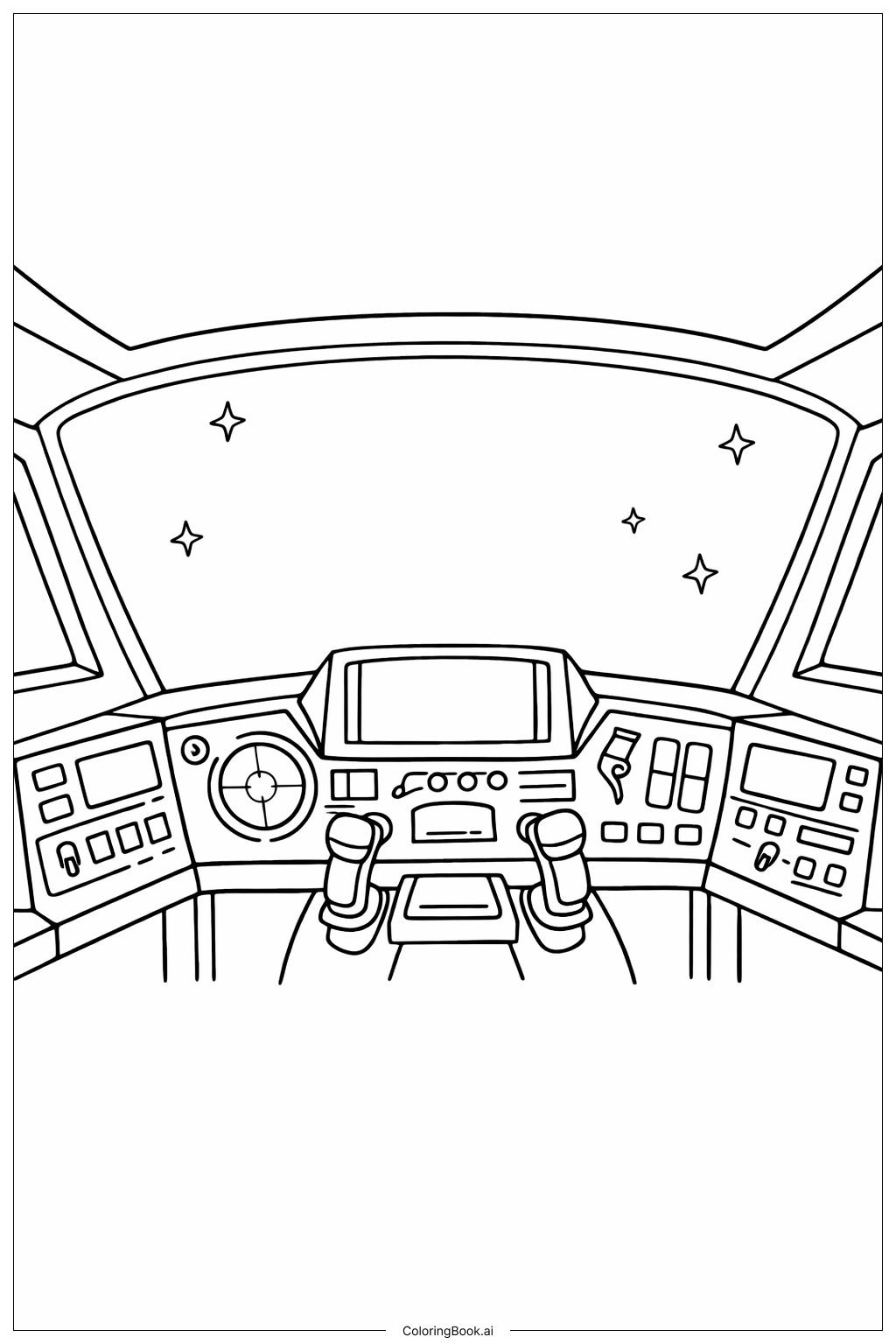
Coloring tips: How to color Spaceship With Control Panel coloring page well?
Try using silver, gray, and blue colors for the control panels to give a metallic and high-tech look. Use bright colors like red and green for the buttons to make them stand out. For the joysticks, you can use black or dark gray to show they are sturdy. The window can be colored dark blue or black to represent space, with yellow or white stars. You can add some glowing effects with light colors around the screens and buttons to make the cockpit look alive and active.
Coloring challenges: Which parts are difficult to color and need attention for Spaceship With Control Panel coloring page?
1. Small buttons and switches need careful coloring to keep details clear. 2. The joysticks have curved shapes that can be tricky to color smoothly. 3. The control panels have various shapes close together, which requires precision to keep colors within lines. 4. Balancing bright colors on buttons without making the picture too colorful is challenging. 5. Coloring the stars and the space outside the window while keeping contrast is important for a realistic look.
Benefits of coloring books: Advantages of drawing Spaceship With Control Panel coloring page
Coloring this spaceship cockpit helps improve attention to detail because you need to focus on small buttons and controls. It encourages creativity by allowing you to choose different colors for the technology inside the spaceship. It also teaches patience and fine motor skills, especially when coloring the tight spaces. Finally, it can be fun and exciting to imagine flying a spaceship while filling in the colors.