Coloring tips: How to color Roblox Sunny Cloud coloring page well?
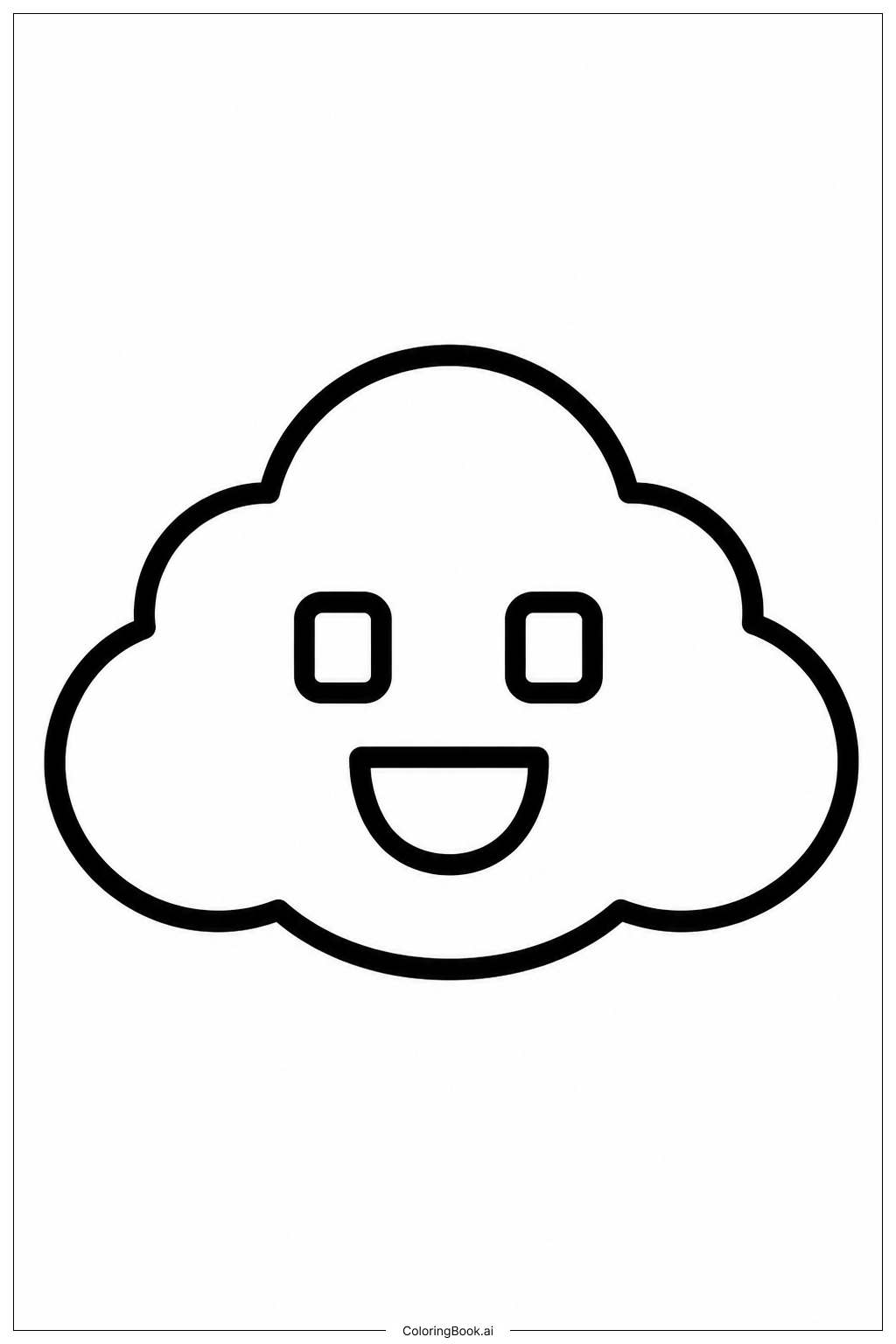
Start by coloring the cloud a bright white or soft light blue to keep it looking fluffy and sky-like. You can add gentle shadows using light gray or lavender on the edges of the cloud to give it a 3D puffy look. For the sun rays, use bold yellow, golden yellow, or warm orange to make them glow with energy. The background sky looks great in a light sky blue or a soft gradient blending light blue at the top into pale yellow near the horizon. Give the face details — eyes, eyebrows, and the smile — dark brown or black outlines to make the expression pop. Feel free to add your own creative touches, like a pink blush on the cloud's cheeks or sparkle dots in the sky. Use bright, happy colors throughout to match the cheerful mood of this sunny Roblox scene. Crayons, colored pencils, or markers all work wonderfully for this image.
Coloring challenges: Which parts are difficult to color and need attention for Roblox Sunny Cloud coloring page?
• Cloud Shading and Texture: The cloud's puffy, rounded edges require careful shading to look three-dimensional. Blending light gray or lavender into white along the curves without losing the bright, clean look of the cloud can be tricky. Children may find it hard to keep transitions smooth, especially when using crayons or markers rather than colored pencils.
• Sun Ray Consistency: The sun rays spread outward in multiple directions with varying lengths and angles. Keeping the color intensity and thickness consistent across every ray is a challenge. Uneven pressure on crayons or markers can make some rays look darker or bolder than others, disrupting the balanced, radiant effect.
• Facial Expression Details: The cloud's face includes small features like eyes, a nose, and a curved smile. These fine details sit within a small space and require a steady hand and a sharp or fine-tipped coloring tool. Accidentally coloring outside the lines of the eyes or mouth can blur the expression and make the face look less defined.
• Background Color Blending: Filling the sky background with a smooth, even color or a soft gradient is difficult for young colorists. Achieving a neat gradient that transitions from blue to yellow without streaks takes patience and practice, especially with crayons.
• Staying Inside Bold Outlines: Although the outlines are bold and clear, the areas between rays and the cloud body are narrow in some spots. Young children aged 4 to 8 may struggle to keep their coloring tool inside these tight spaces without accidentally overlapping into neighboring sections.
Benefits of coloring books: Advantages of drawing Roblox Sunny Cloud coloring page
Coloring this Roblox Sunny Cloud page offers a wide range of benefits for children of all ages. The simple, friendly design makes it approachable for young children aged 4 and up, helping them build confidence as they fill in large, easy-to-reach areas with their favorite colors.
For older children, the finer details like the sun rays and facial features provide a gentle challenge that sharpens focus and builds patience. Carefully staying within the lines and choosing colors that work well together helps develop fine motor skills and hand-eye coordination.
Choosing colors for the cloud, sky, and sunshine encourages creative thinking and self-expression. There are no wrong color choices — kids can experiment freely, exploring what feels happy, calm, or exciting to them. This creative freedom builds imagination and boosts confidence.
The sunny, cheerful theme of this page also has a positive emotional effect. Bright yellows, warm oranges, and sky blues naturally lift the mood and create a sense of calm and happiness while coloring. It makes for a relaxing and rewarding activity after school or on a weekend.
Finally, completing the page gives children a sense of accomplishment. Displaying their finished artwork reinforces pride in their work and encourages them to keep creating.