Coloring tips: How to color Prototype City Skyline Workshop coloring page well?
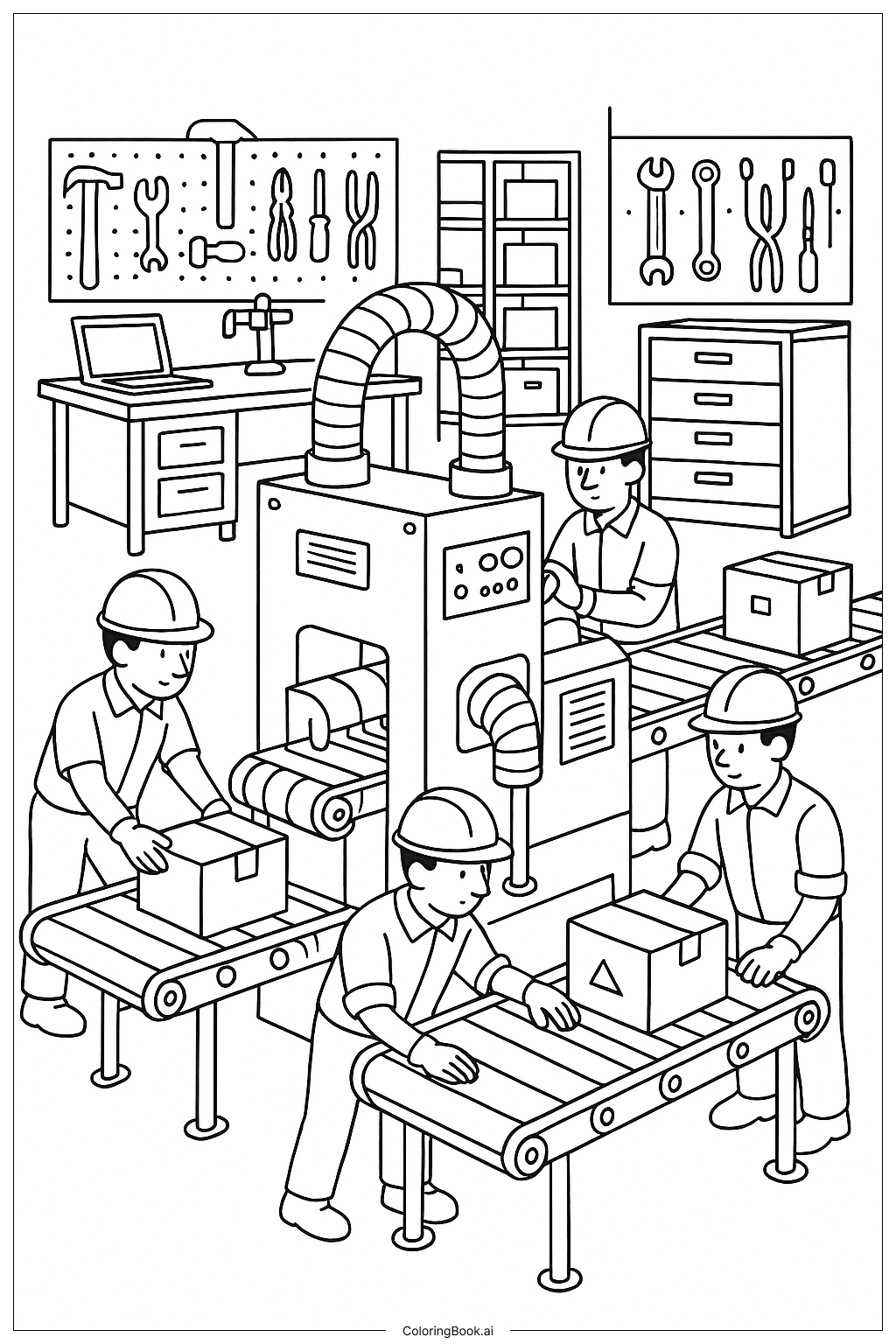
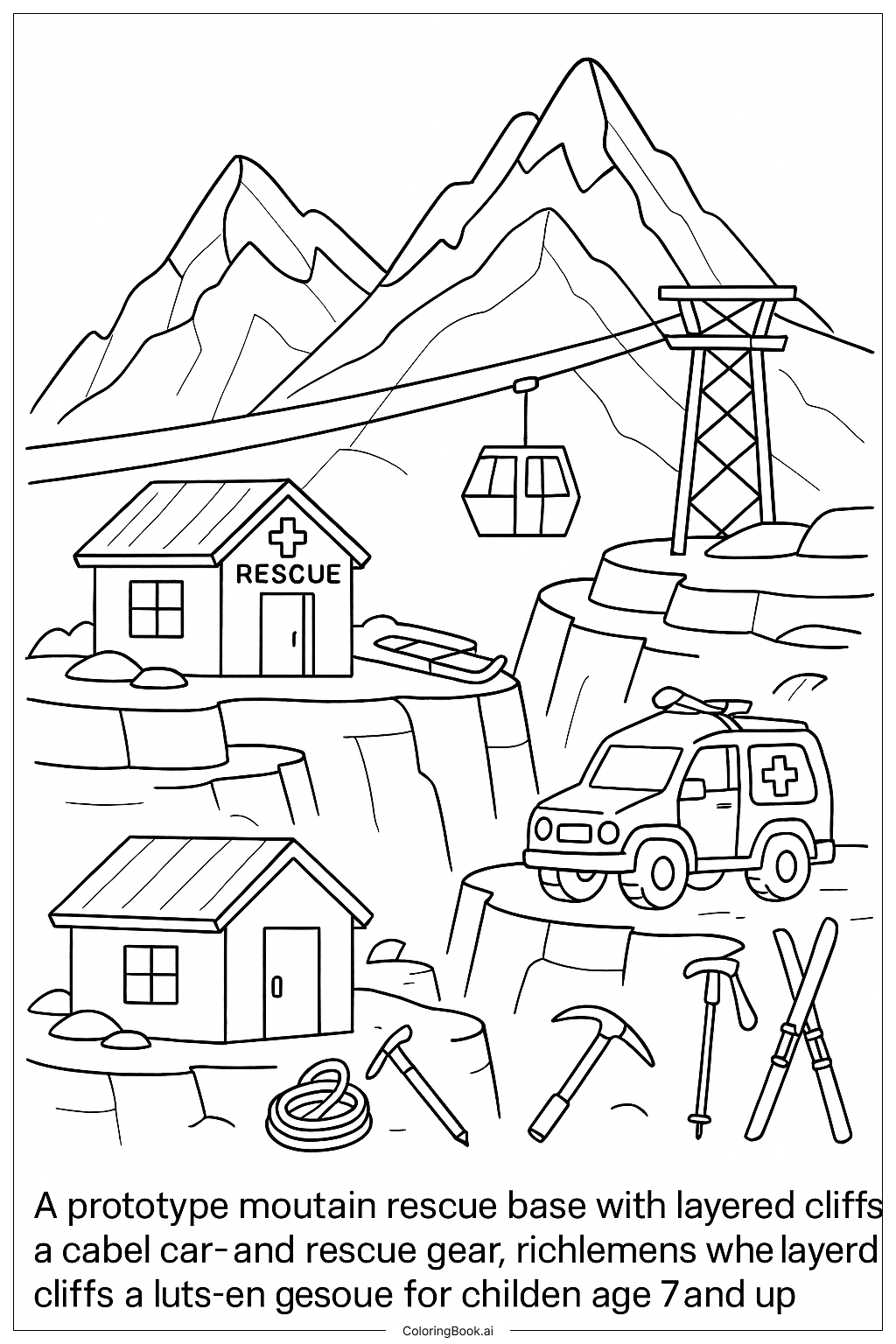
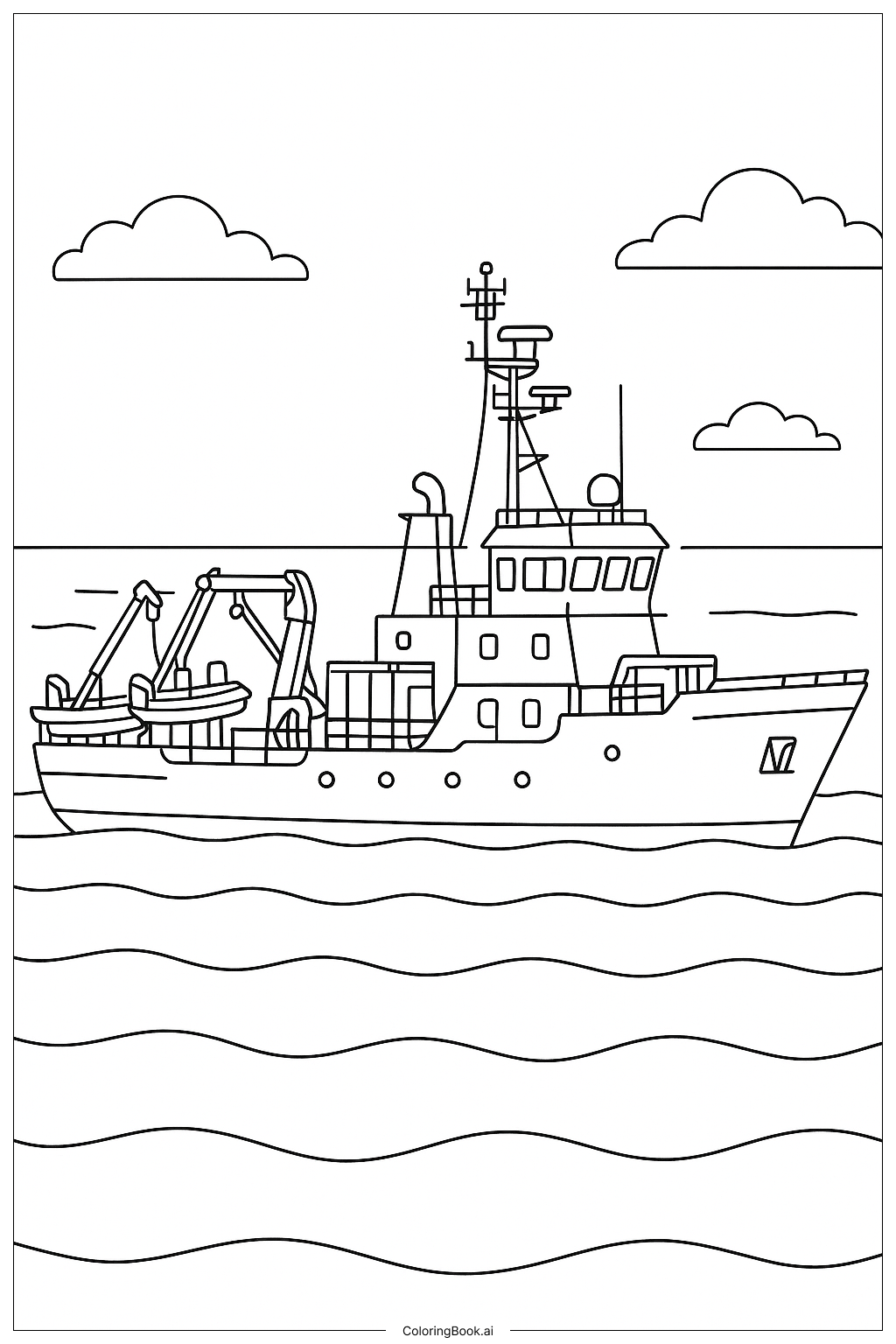
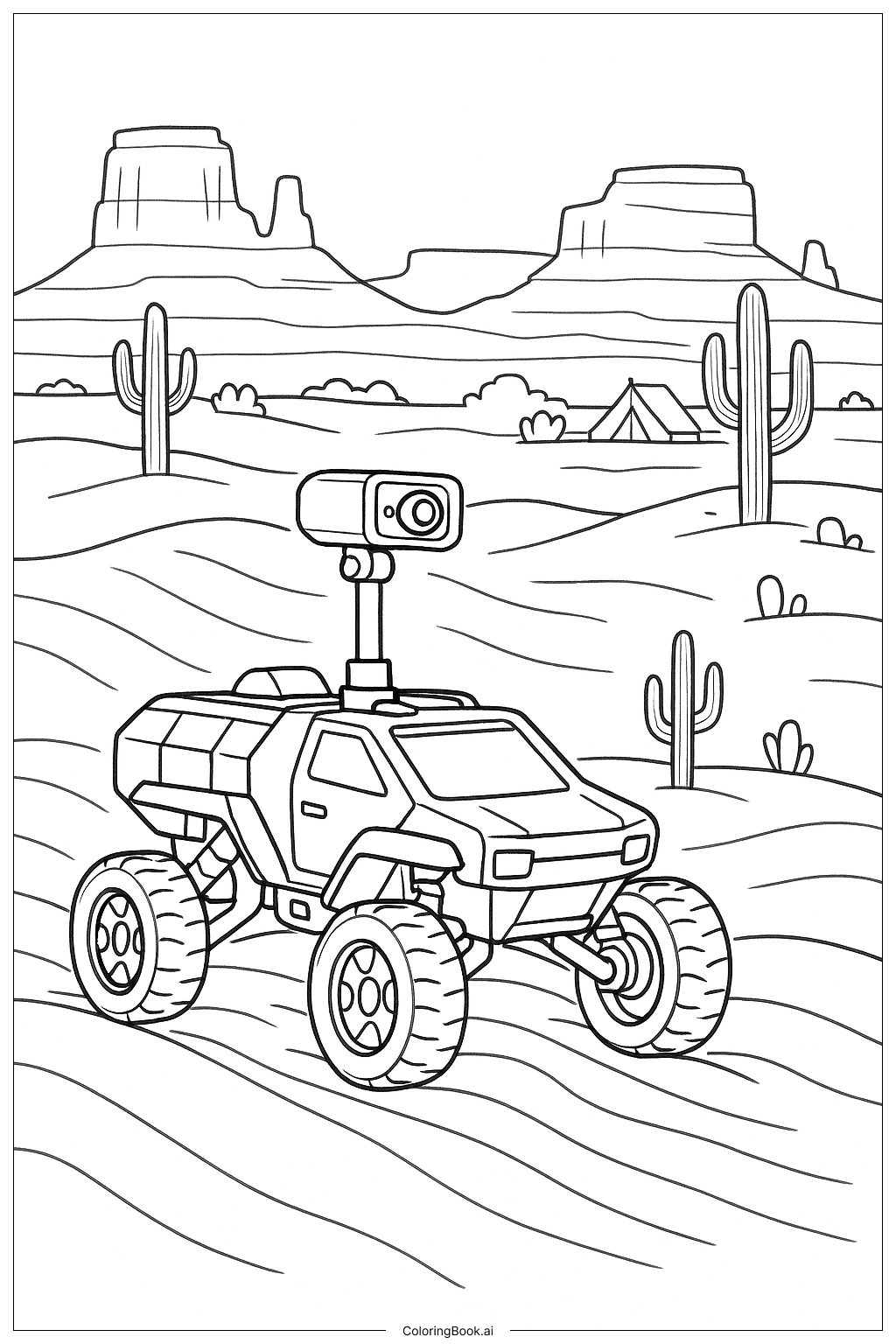
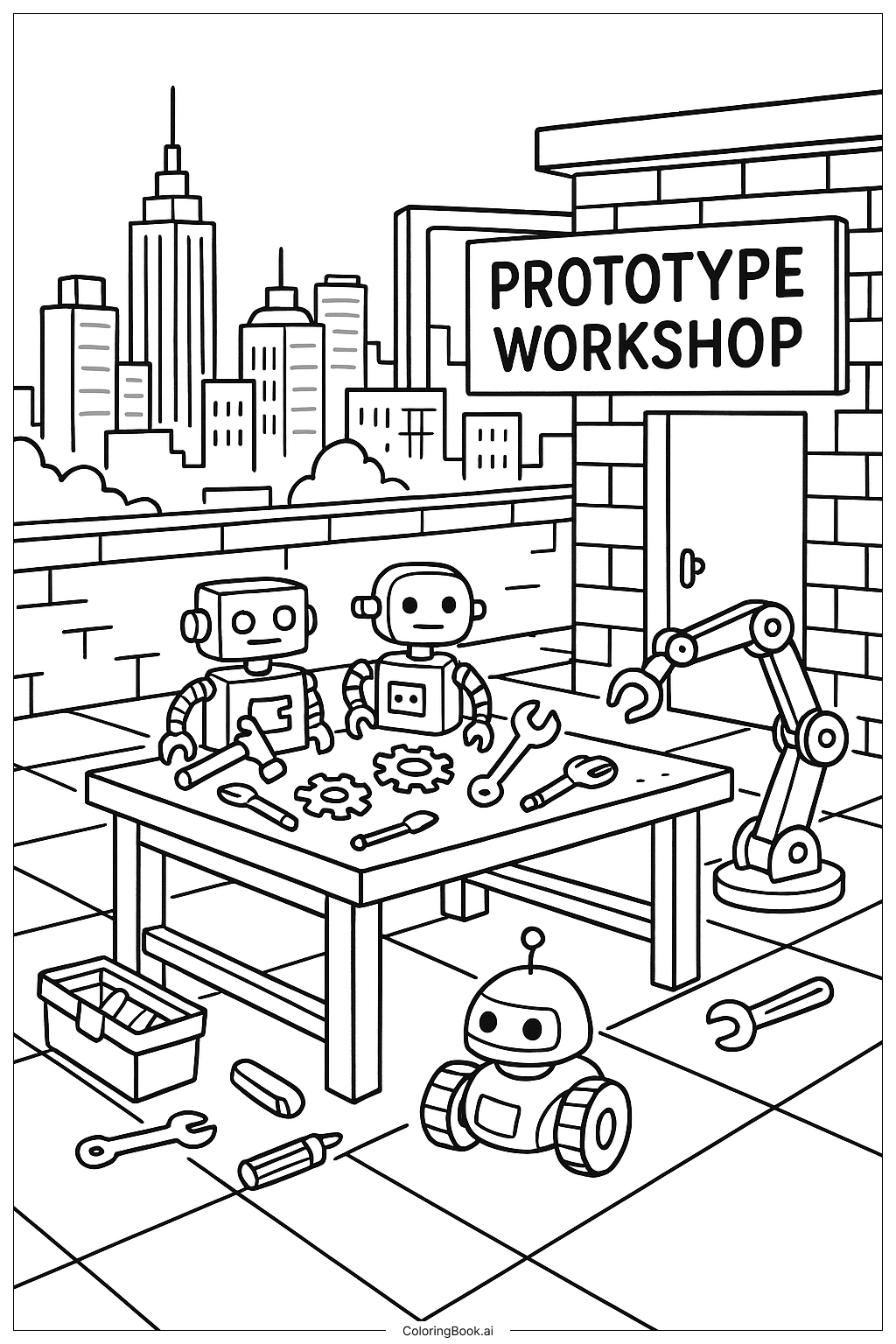
Use bright and bold colors to make the robots and tools stand out. Try metallic shades like silver, gray, and blue for the robots and robotic arm. Color the tools in different vibrant colors for variety. For the workshop walls, use warm colors like brown or orange to show the brick texture. The city skyline in the background can be colored with cooler colors like light blue, gray, and green to create depth. Add some shading to the objects to make them look real. Don’t forget to color the clouds white or light gray for contrast.
Coloring challenges: Which parts are difficult to color and need attention for Prototype City Skyline Workshop coloring page?
1. Small detailed tools like gears and screwdrivers can be tricky to color inside the lines. 2. The robots have many parts and shapes that need careful coloring to keep them neat. 3. Coloring the city skyline may be challenging because of the many buildings with small windows. 4. The mechanical arm has circles and joints that require attention to detail. 5. The floor tiles need even coloring to avoid patchy areas and keep the floor looking smooth.
Benefits of coloring books: Advantages of drawing Prototype City Skyline Workshop coloring page
Coloring this page helps improve fine motor skills by working with small tools and robot parts. It encourages creativity through choosing different colors for robots and the environment. It also teaches kids about shapes and mechanical parts. Coloring the city skyline helps with attention to detail and patience. Overall, it supports hand-eye coordination and focus while making a fun robot workshop scene come to life.