Coloring tips: How to color Minecraft Steve Exploring Forest coloring page well?
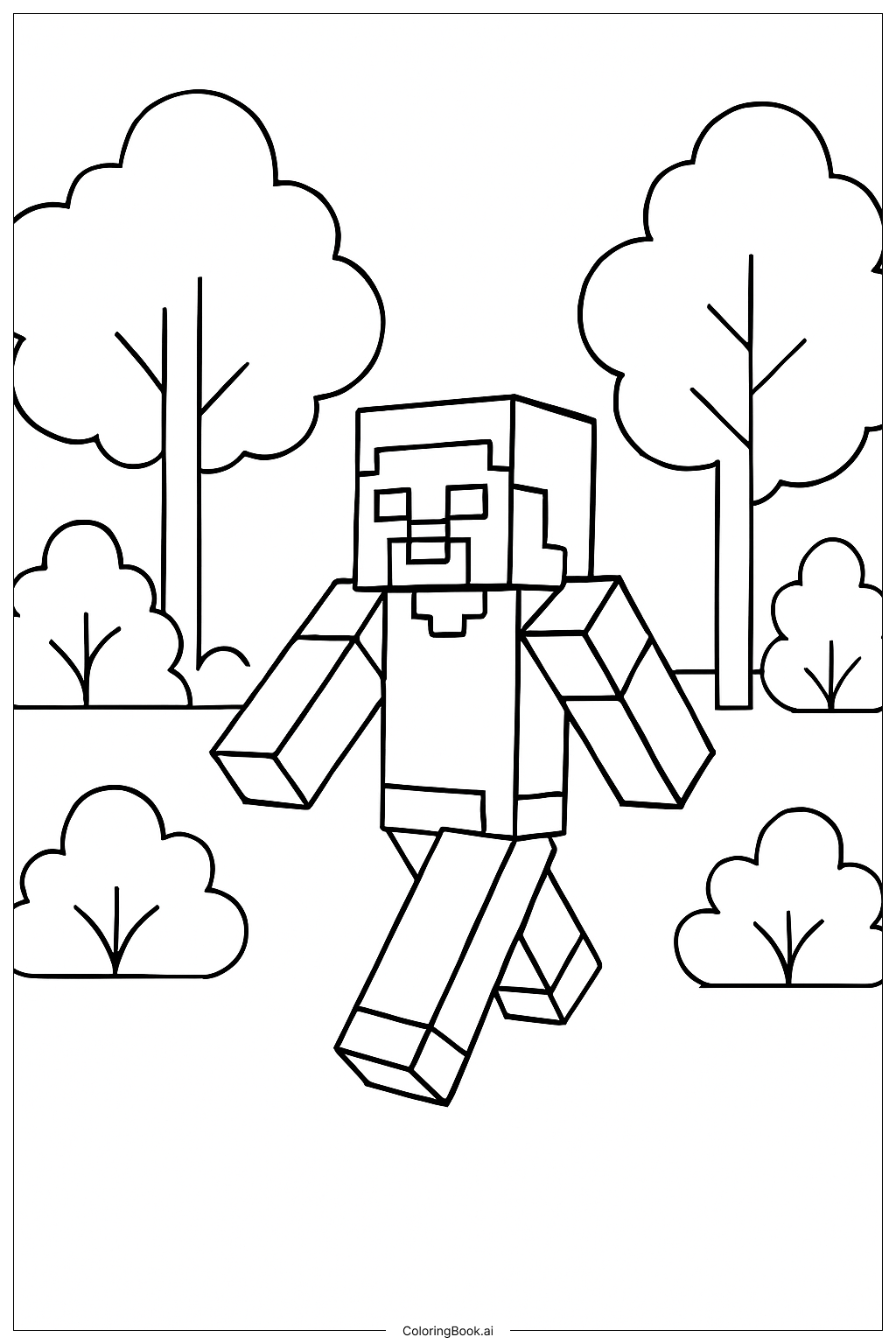
To color this page, start by using green shades for the trees and bushes. You can use a lighter green for leaves and a darker one for shadows. For Steve, consider using a light blue for his shirt and brown for his pants. His skin can be colored in a tan shade. Don't forget to add details! Use a different color for his hair and face. You can also create a colorful background by adding flowers or animals. Let your creativity flow!
Coloring challenges: Which parts are difficult to color and need attention for Minecraft Steve Exploring Forest coloring page?
1. Selecting appropriate skin tones can be tricky. Finding the right tan shade for Steve's skin may take some time and experimentation. 2. The trees have many leaves, which can be complicated to color. It's important to blend different greens for a natural look. 3. Detailing Steve's facial features can be challenging due to the small area to work with. To achieve clarity, a fine-tipped marker may be helpful. 4. The overall scene requires attention to color coordination, which can be difficult for some kids. Making sure every part looks nice together takes practice.
Benefits of coloring books: Advantages of drawing Minecraft Steve Exploring Forest coloring page
Coloring this page helps improve fine motor skills and hand-eye coordination. Children learn to control their coloring tools, developing dexterity. It also sparks creativity, allowing kids to explore color combinations and styles. This activity can be calming, as focusing on coloring can reduce stress. Moreover, it encourages patience and focus, teaching kids to complete a task over time. Lastly, they get a sense of accomplishment when they finish their artwork.