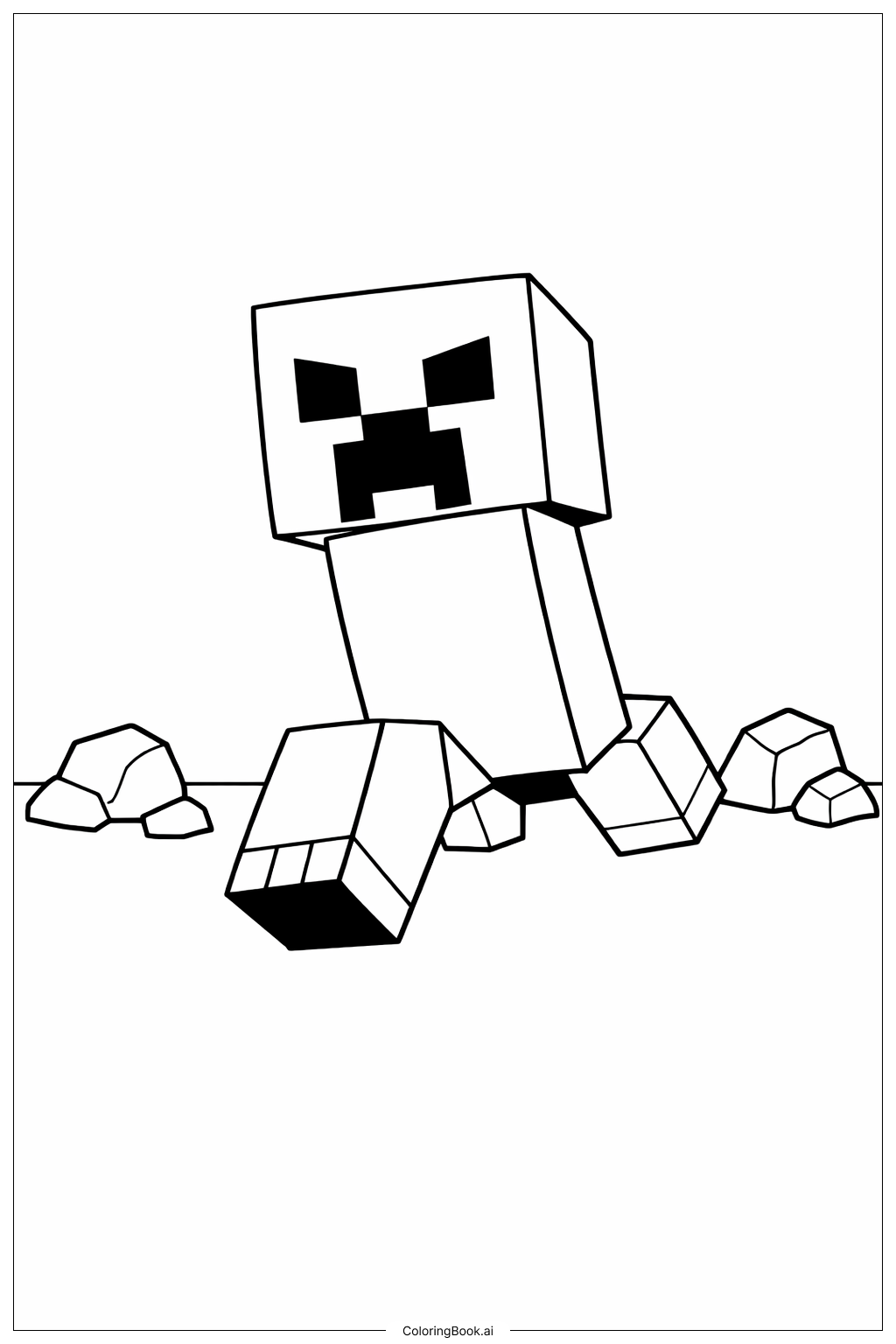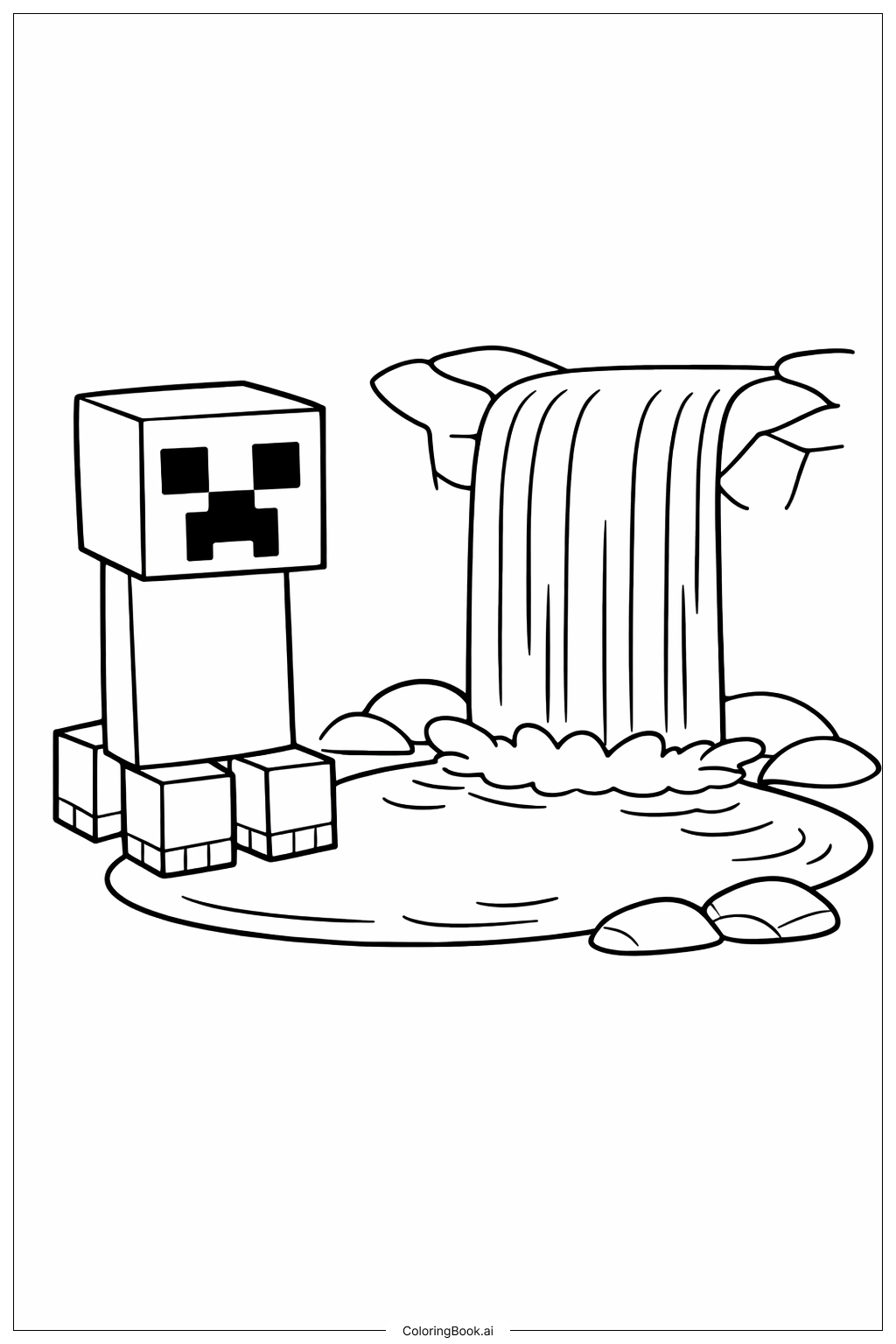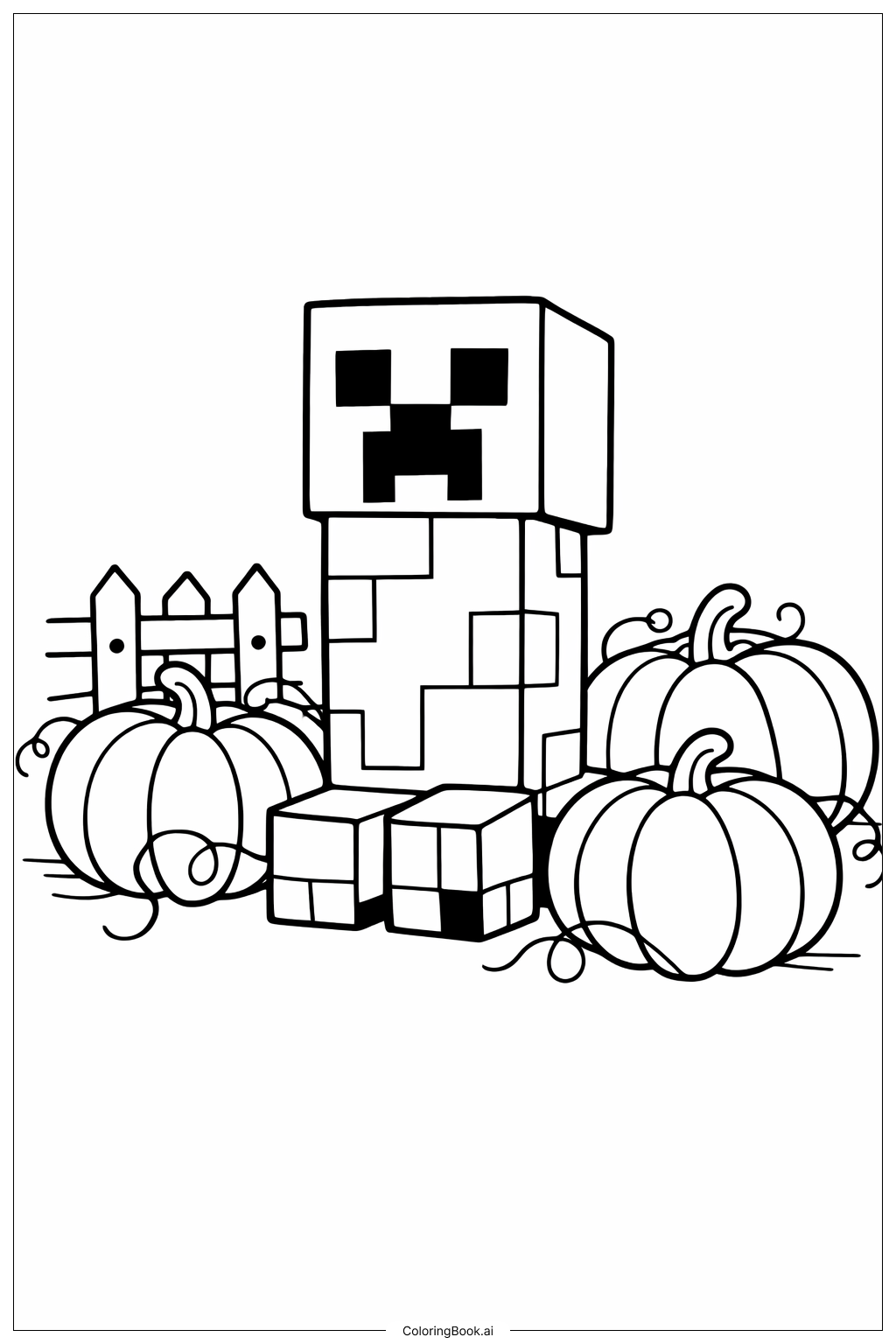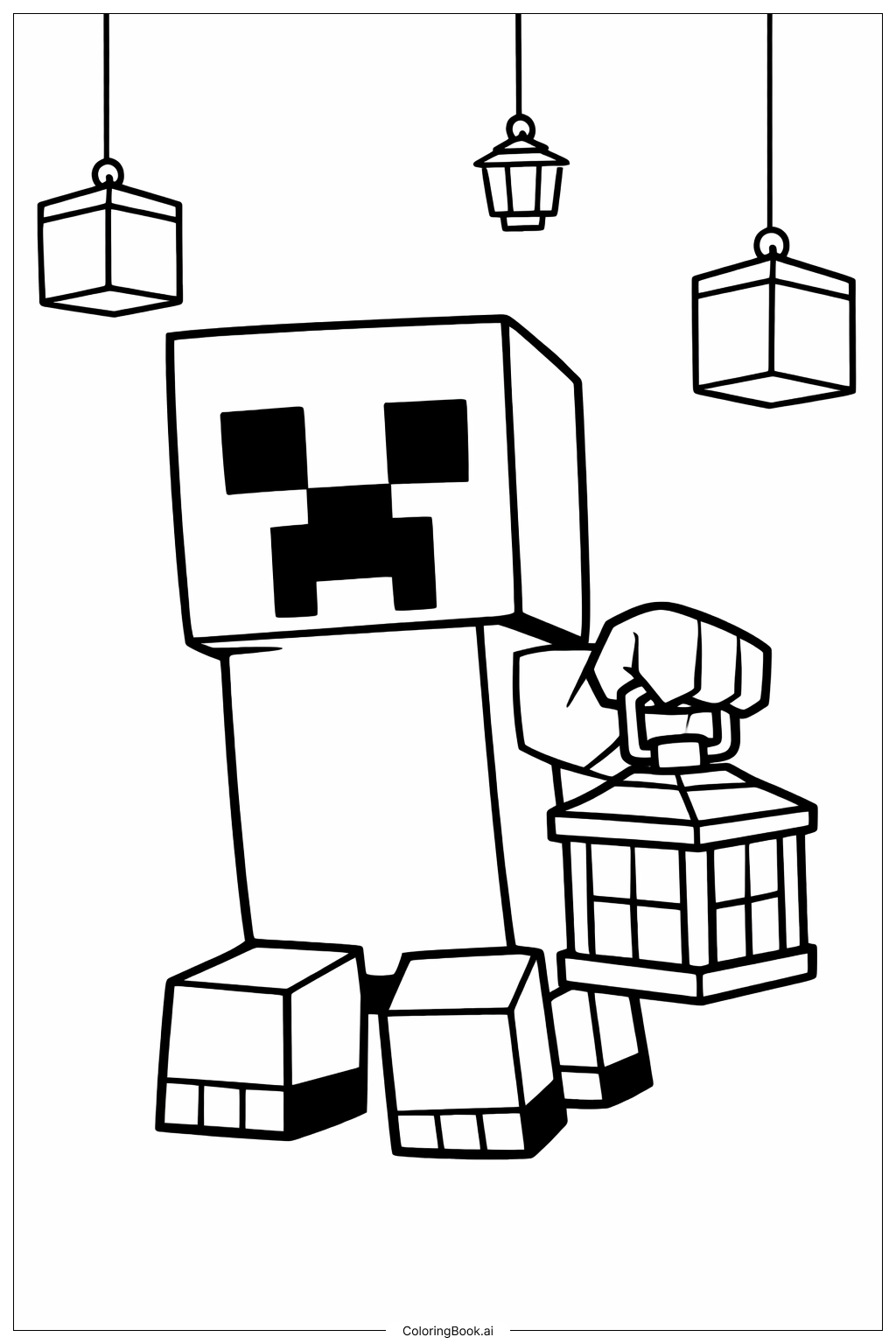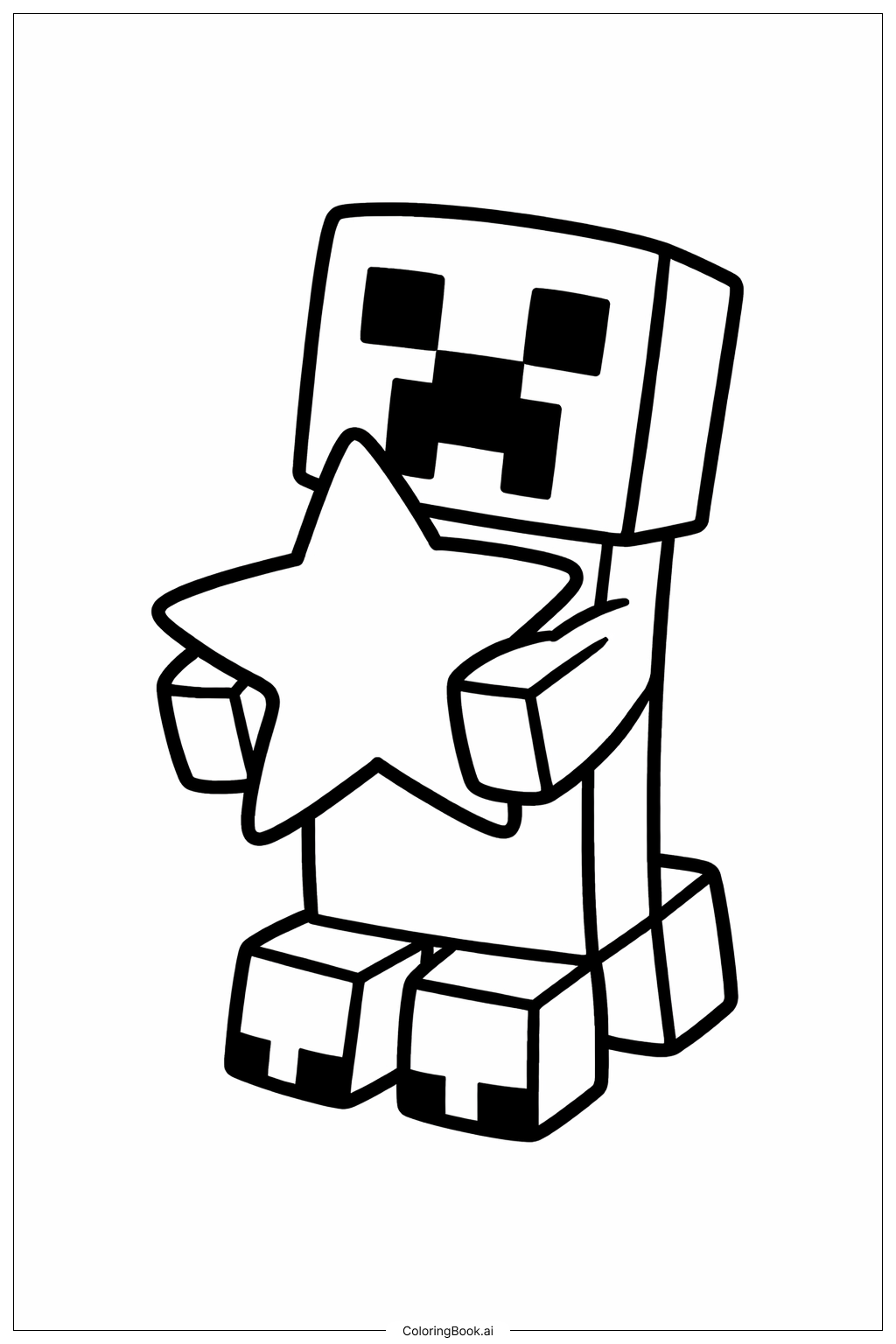
Coloring tips: How to color Minecraft Creeper With Star coloring page well?
Use shades of green for the Creeper’s body because Creepers are usually green in Minecraft. You can color the face details black, as shown in the game. For the star, try bright yellows or gold colors to make it stand out. Feel free to add some light shading with lighter greens or yellows to give it some depth. You can also try different background colors like light blue or sky colors to make the picture more vibrant. Experiment with crayons, markers, or colored pencils for different textures.
Coloring challenges: Which parts are difficult to color and need attention for Minecraft Creeper With Star coloring page?
1. Small details on the Creeper’s face need careful coloring to stay inside the lines.
2. The edges where the star overlaps the Creeper’s hands can be tricky to color neatly.
3. Filling in the Creeper’s body evenly with green might be difficult for younger kids.
4. Deciding the right bright colors for the star to make it look special without clashing with the Creeper’s green.
5. Keeping the lines clean without crossing over the blocks might need some patience and focus.
Benefits of coloring books: Advantages of drawing Minecraft Creeper With Star coloring page
This coloring page helps children practice fine motor skills by staying inside the lines. It encourages creativity by allowing kids to choose colors for the Creeper and the star. The familiar Minecraft character boosts engagement and makes coloring fun. Coloring the star helps children learn about contrasting colors and how to make objects stand out. Overall, it promotes focus, hand-eye coordination, and a love for art.