Coloring tips: How to color Minecraft Creeper Standing coloring page well?
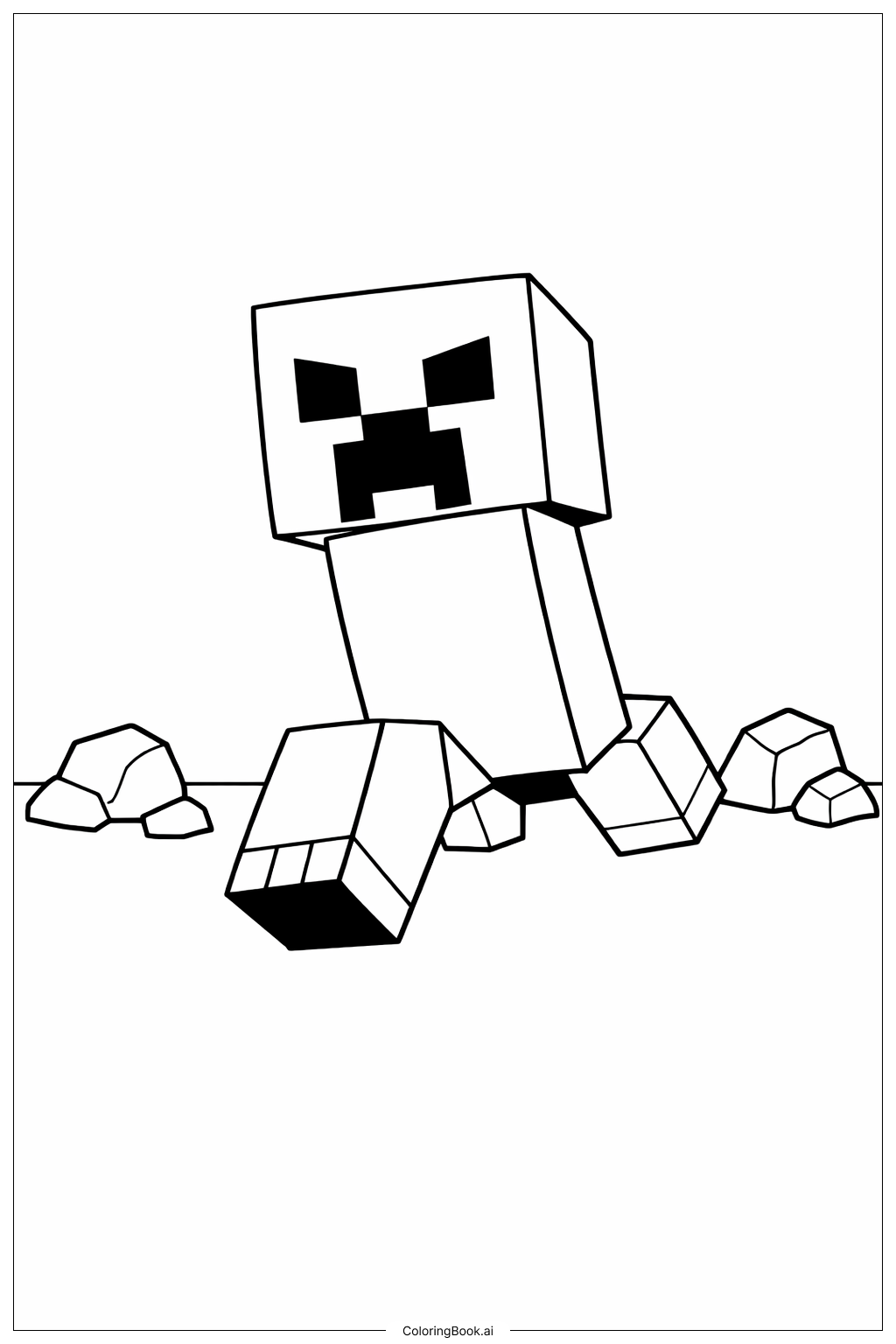
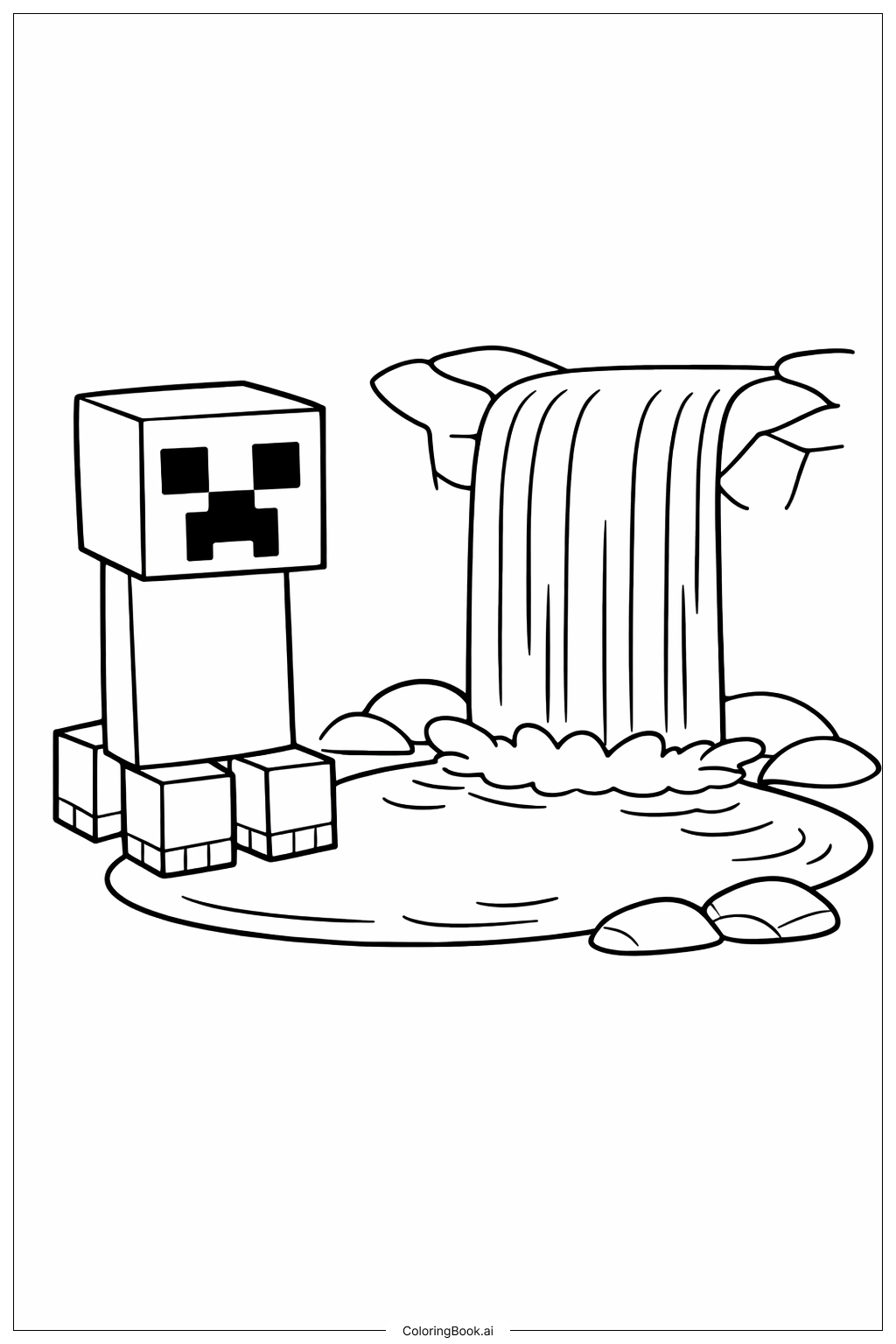
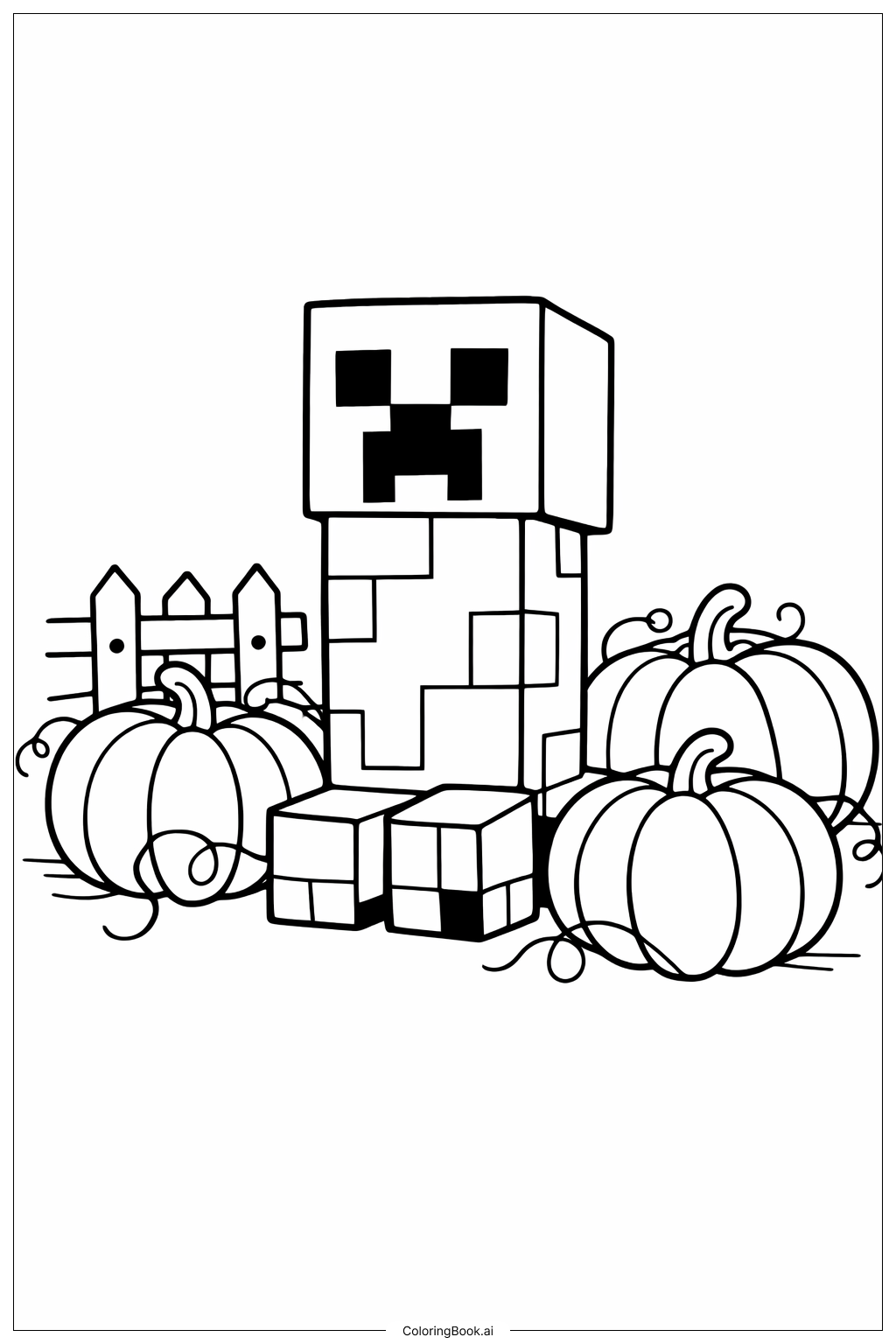
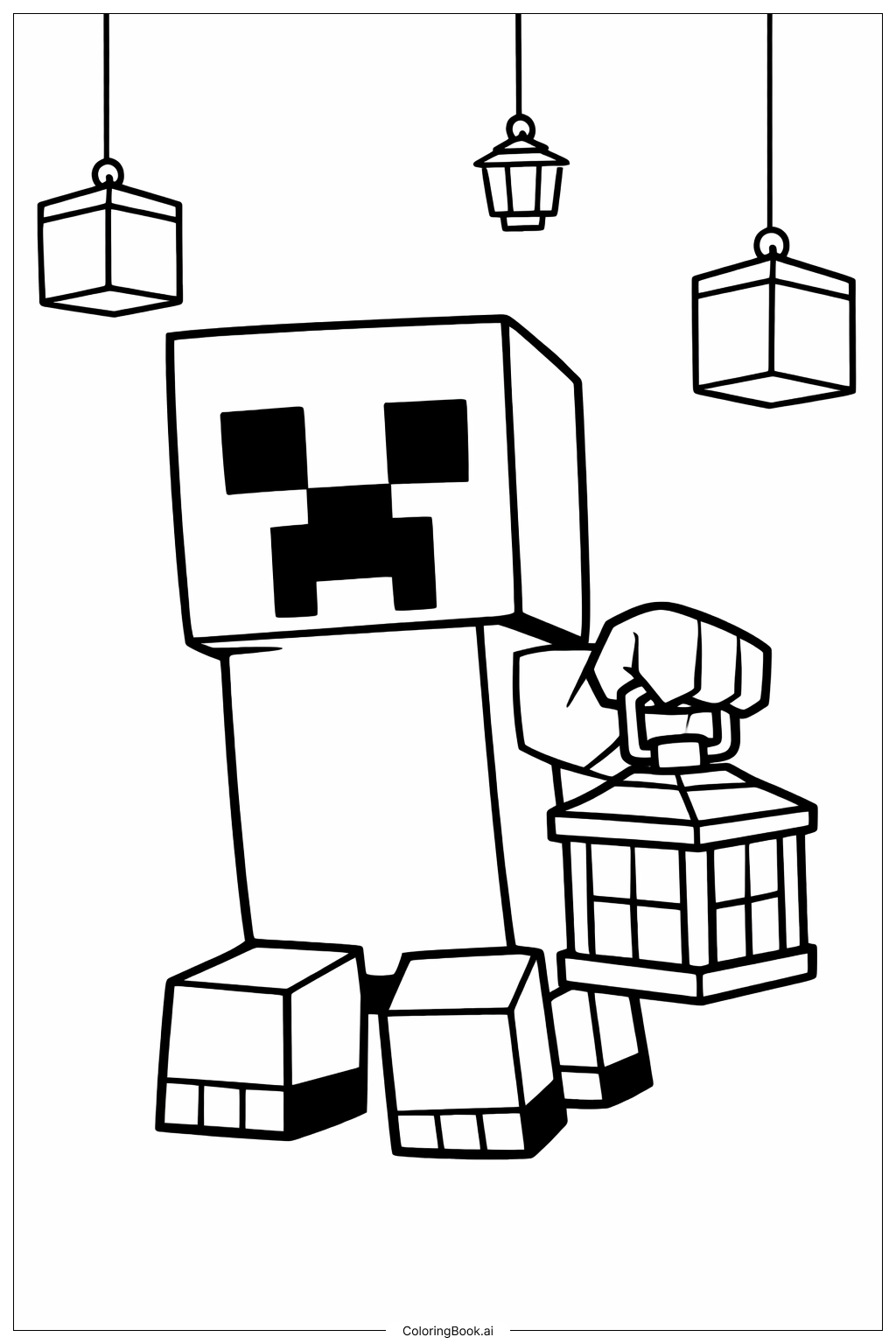
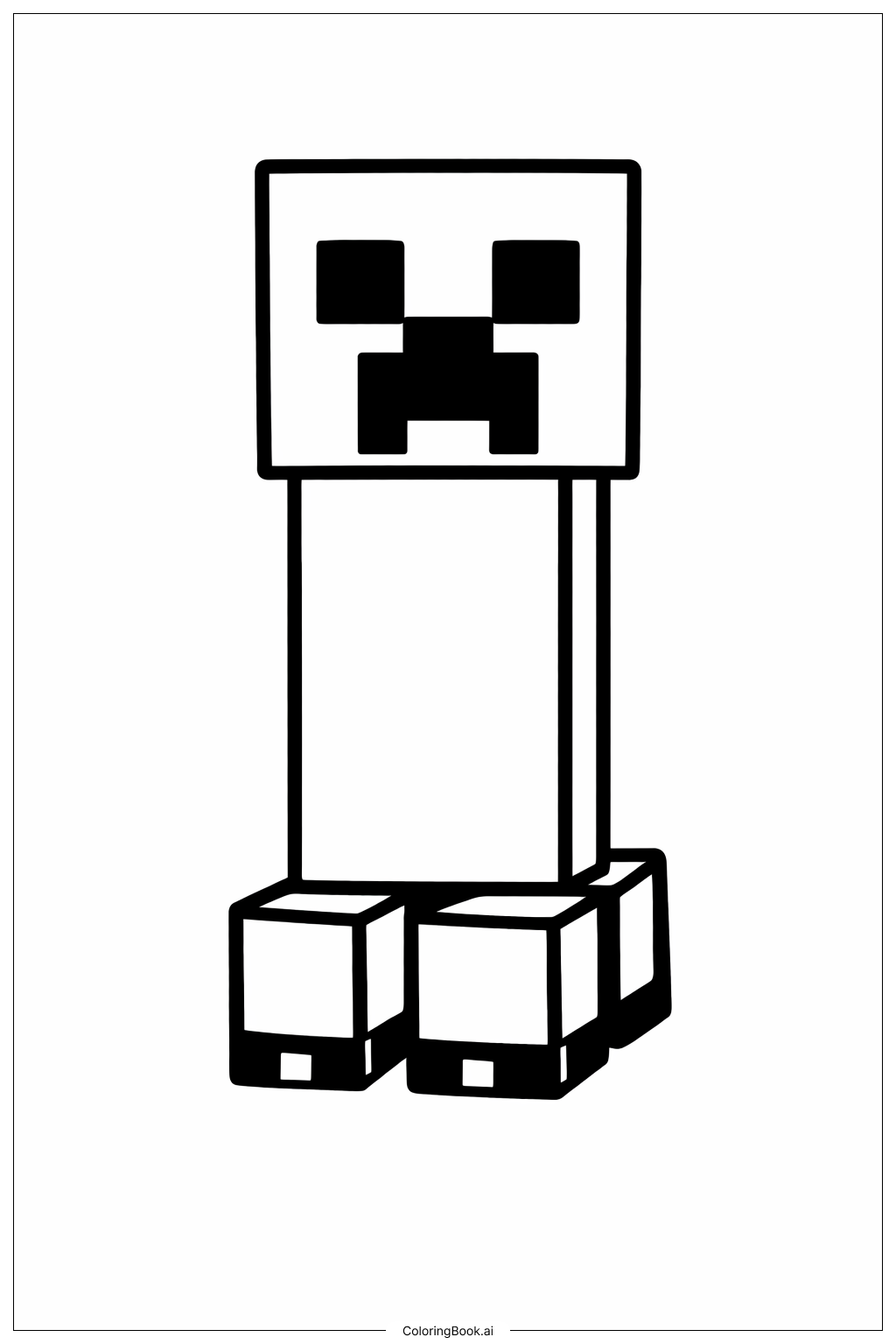
Use different shades of green for the Creeper's body and legs to show its pixelated look. You can mix light and dark greens to create a camouflage effect. For the Creeper's face, use black for the eyes and mouth to make them stand out. You can also add a bit of grey or white to some squares to show depth and texture. Try coloring each leg differently to make it more interesting and creative. Don't hesitate to add shadows or highlights to make the Creeper look more lively and 3D.
Coloring challenges: Which parts are difficult to color and need attention for Minecraft Creeper Standing coloring page?
1. Coloring the Creeper's body evenly can be tricky because of its tall, rectangular shape. 2. The eyes and mouth are small but important details, so coloring inside the lines needs focus. 3. Showing the Creeper’s pixelated texture with different shades of green requires careful blending and attention. 4. Coloring the legs to make them look like cubes with shadows and light can be hard. 5. Keeping the black area clean without overlapping other colors might be a challenge.
Benefits of coloring books: Advantages of drawing Minecraft Creeper Standing coloring page
Coloring this Minecraft Creeper helps improve hand-eye coordination and fine motor skills. It teaches children about using different shades to create depth and texture. This picture encourages creativity by allowing kids to choose their own colors and experiment with patterns. It also helps them focus on details, such as the eyes and legs, improving concentration. Overall, it’s a fun and educational activity that combines art with a popular gaming character.