Coloring tips: How to color Minecraft Creeper Holding Umbrella coloring page well?
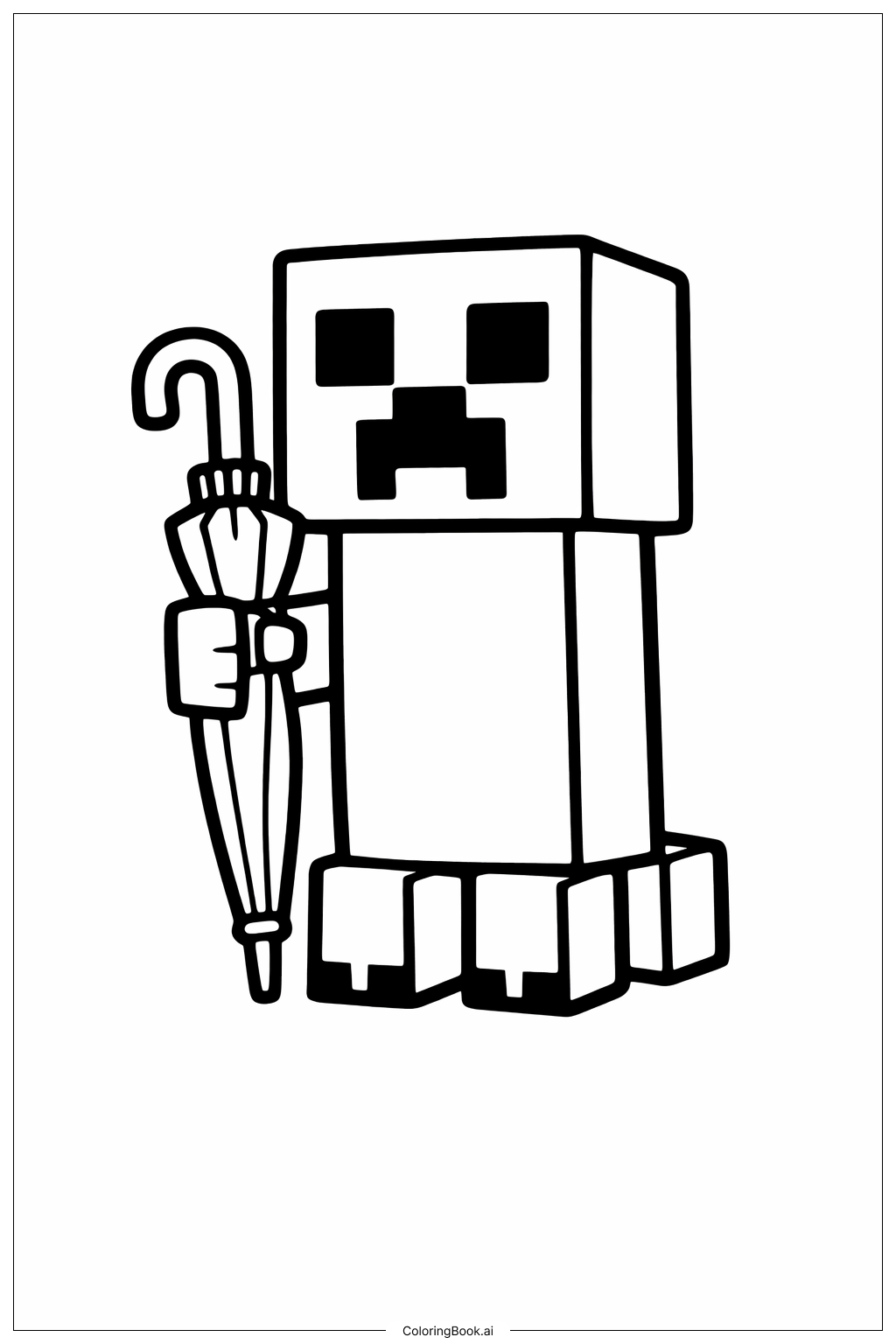
Use different shades of green for the Creeper's body to create a pixelated Minecraft look. You can use light green, dark green, and some yellowish-green to add texture. For the umbrella, try bright colors like red, blue, or yellow to make it stand out against the Creeper. Color the umbrella’s handle and band in brown or black. For the Creeper's eyes and mouth, use solid black or dark gray to keep the classic Minecraft style. Feel free to add a background with soft blue for the sky or gray for rain clouds if you want to make the scene more lively.
Coloring challenges: Which parts are difficult to color and need attention for Minecraft Creeper Holding Umbrella coloring page?
1. The Creeper’s body is made of simple blocks, but coloring in a way that suggests a pixelated texture can be tricky for young children.
2. The umbrella has narrow spaces and small sections which require careful coloring to stay within the lines.
3. Coloring the Creeper’s face needs precision to keep the square shapes clean and sharp.
4. Adding shading or different tones can be a bit challenging because of the straight lines and blocky shapes.
5. Balancing colors between the Creeper and the umbrella to make them both look vibrant but not clashing might be difficult for beginners.
Benefits of coloring books: Advantages of drawing Minecraft Creeper Holding Umbrella coloring page
Coloring this image helps improve hand-eye coordination and fine motor skills as children carefully color small sections like the umbrella details and the Creeper's face. It encourages creativity by allowing kids to experiment with different shades of green and bright umbrella colors. The simple, blocky shapes make it easier for younger kids to color within the lines, while the detailed umbrella offers a challenge for older kids. Coloring this unique Minecraft scene also helps children focus and develop patience while completing the different parts of the picture.