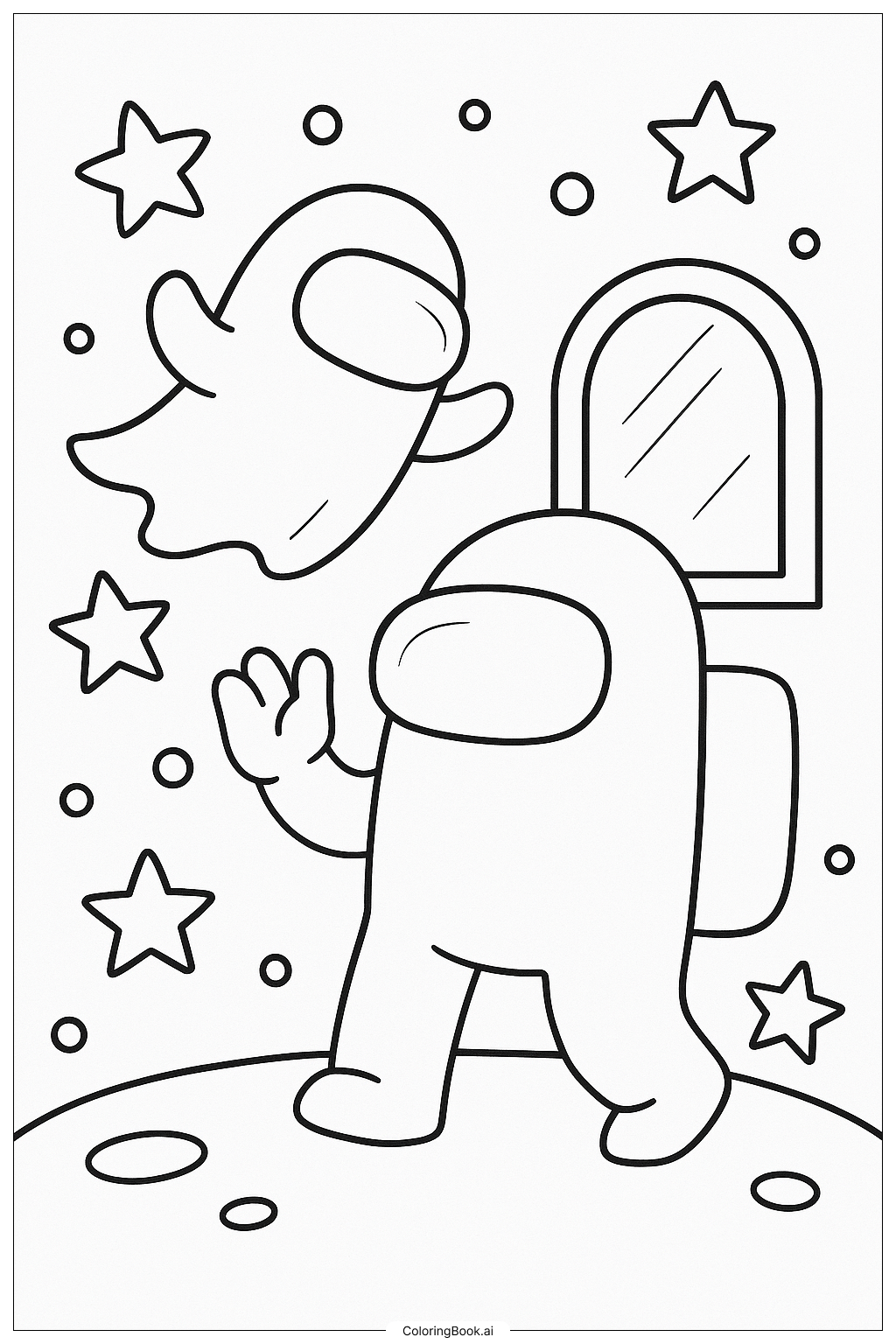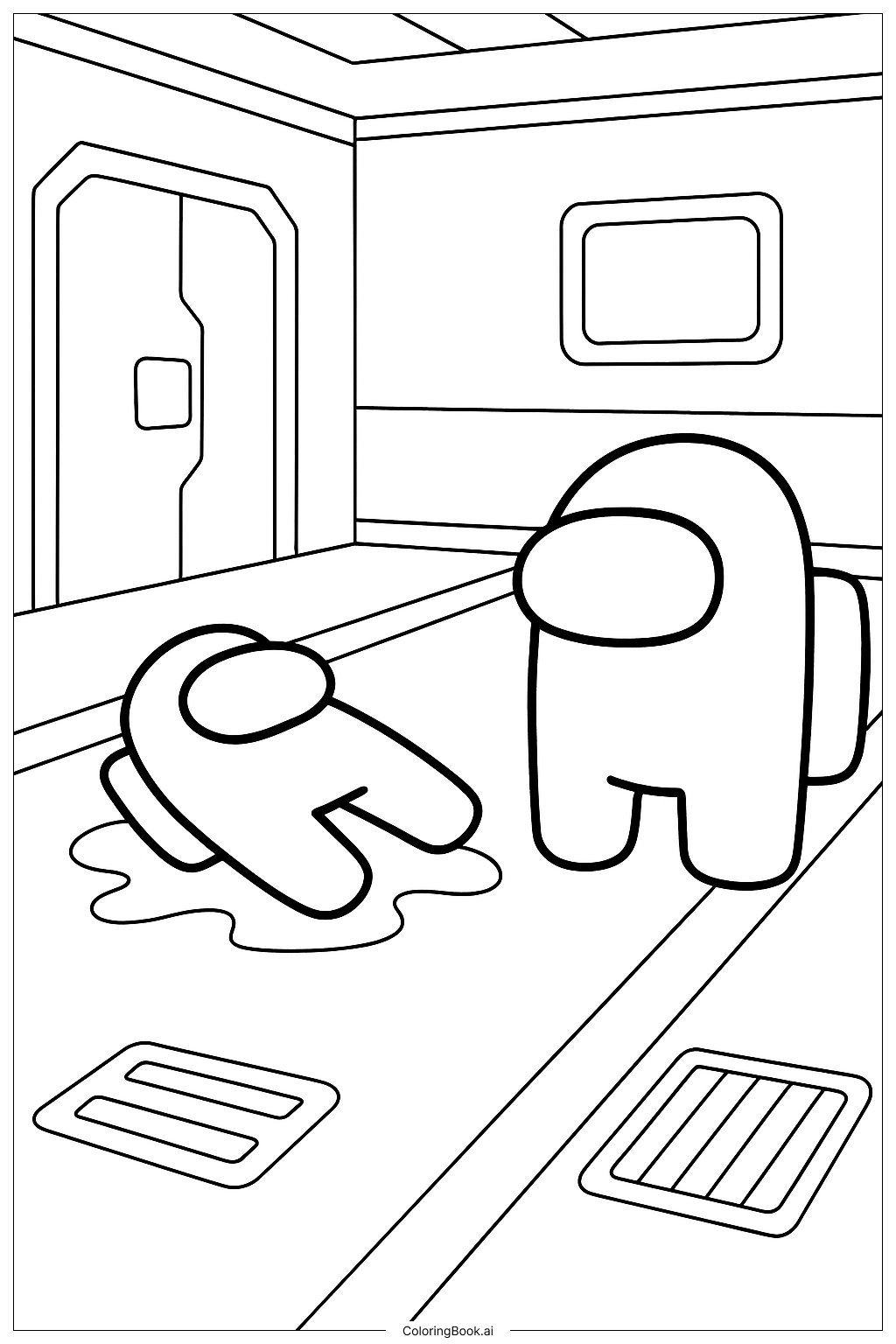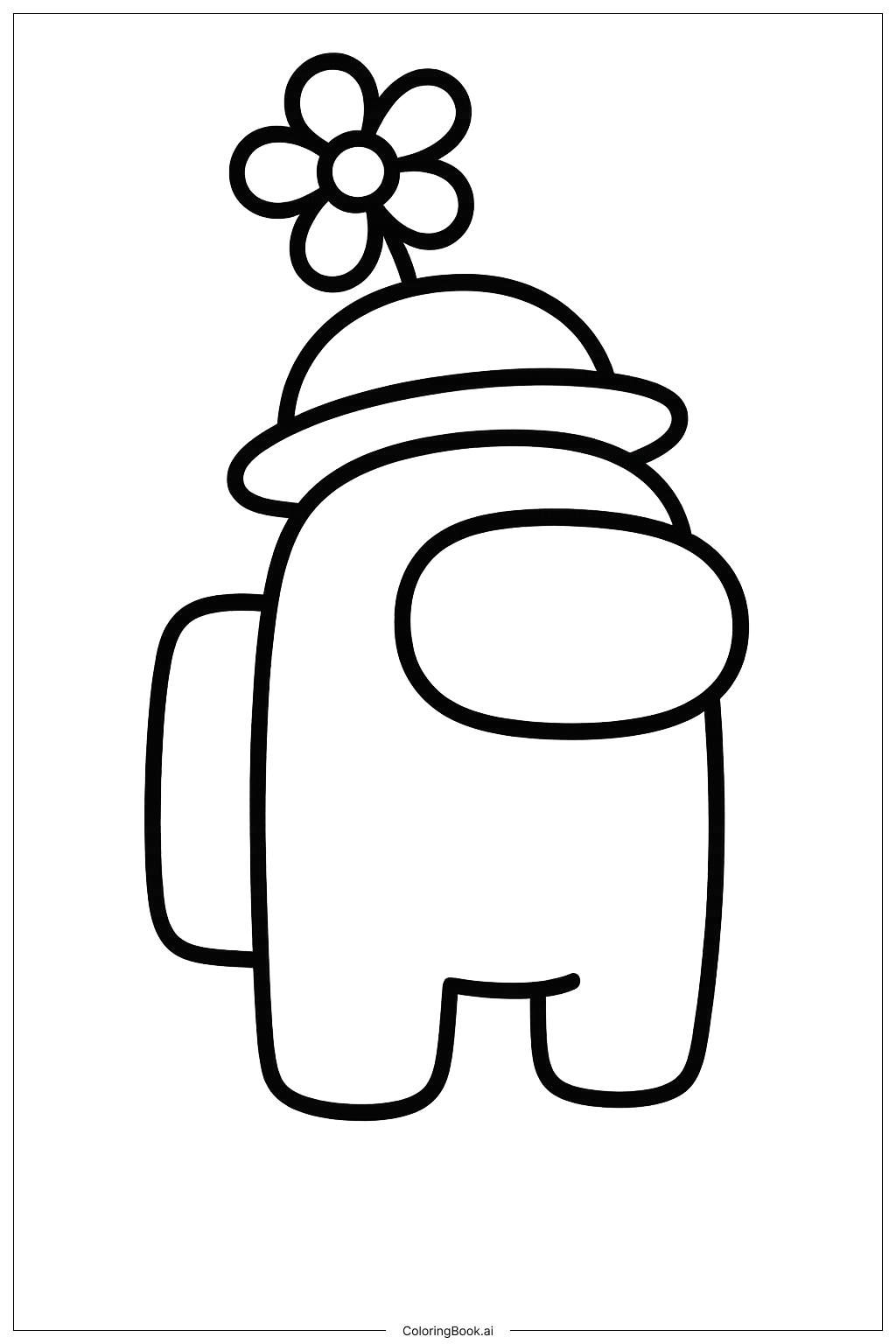
Coloring tips: How to color Among Us Character Pushing The Emergency Button coloring page well?
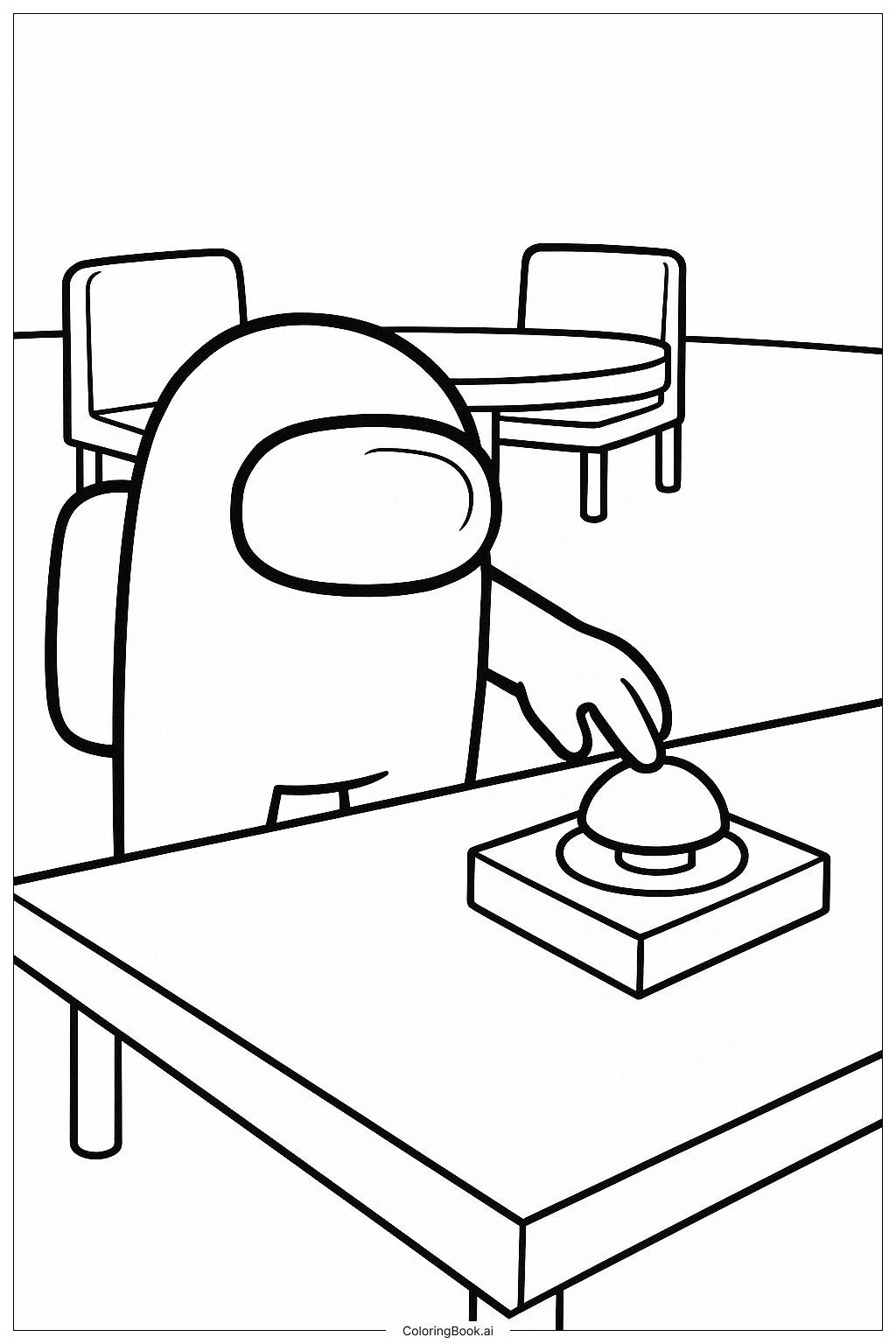
Use bright colors for the Among Us character, such as red, blue, green, or yellow. You can color the visor light blue or gray to make it look like glass. The backpack can be a darker shade of the same character color or a contrasting color. The button can be red or orange to show its importance. Use softer colors for the table and chairs, like brown or gray, to make the character stand out. Feel free to add shadows or highlights to add depth, especially on the buttons and character edges.
Coloring challenges: Which parts are difficult to color and need attention for Among Us Character Pushing The Emergency Button coloring page?
1. Small details on the emergency button may be tricky to color inside the lines.
2. The space inside the visor has curved lines that need careful coloring to avoid smudging.
3. The character’s hand is close to the button, requiring precision to keep the colors separate.
4. The furniture in the background has straight lines that need steady hand coloring to maintain neatness.
5. Balancing bright colors for the character and softer tones for the background might be challenging but important for the picture's effect.
Benefits of coloring books: Advantages of drawing Among Us Character Pushing The Emergency Button coloring page
Coloring this picture helps improve hand-eye coordination and fine motor skills. Kids learn to stay within lines and control their coloring tools carefully. It also encourages creativity by choosing different colors for the character and background. The scene from the popular game Among Us can make coloring more exciting and fun. Children can express their personality through color choices and develop focus while coloring the various shapes in the picture.