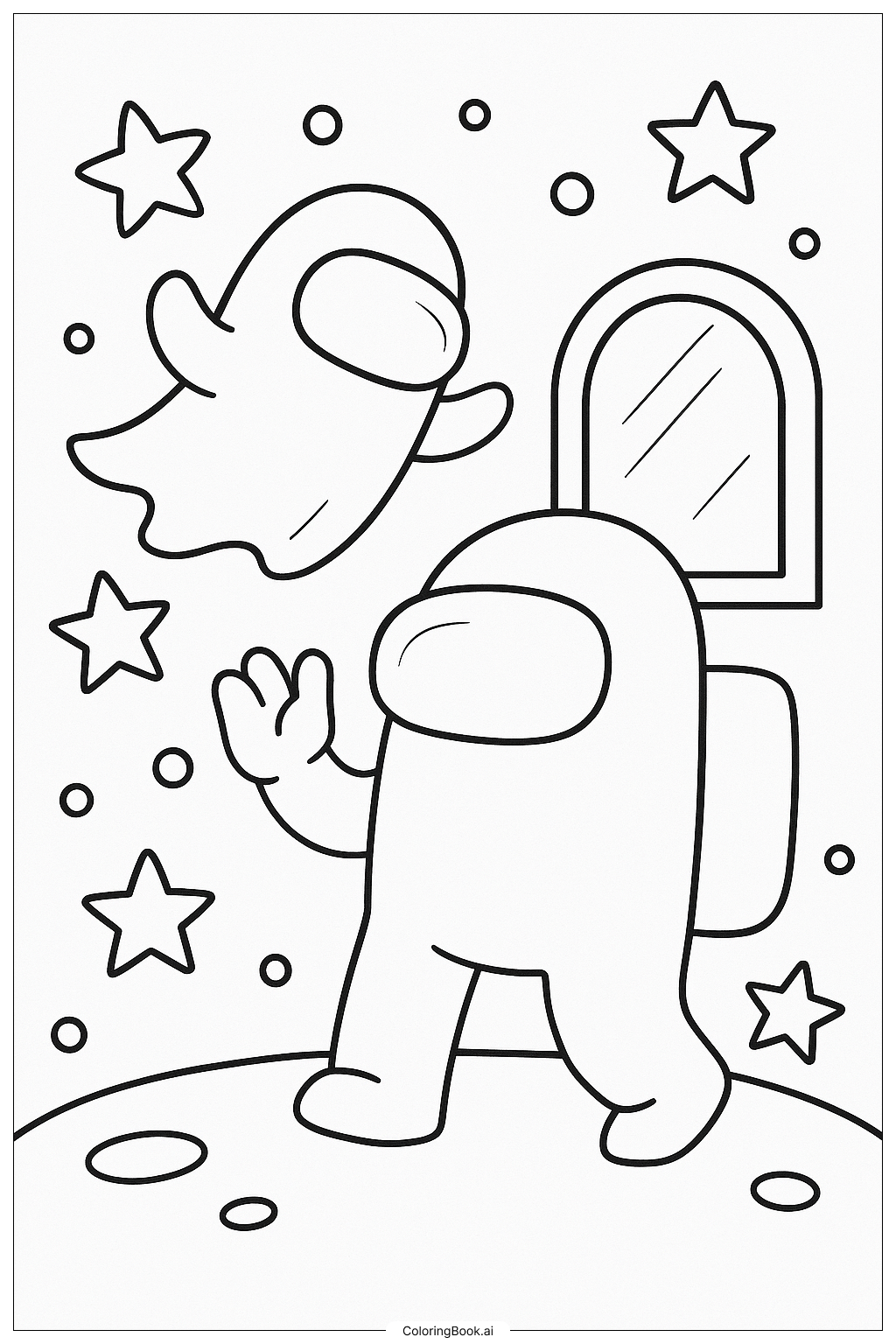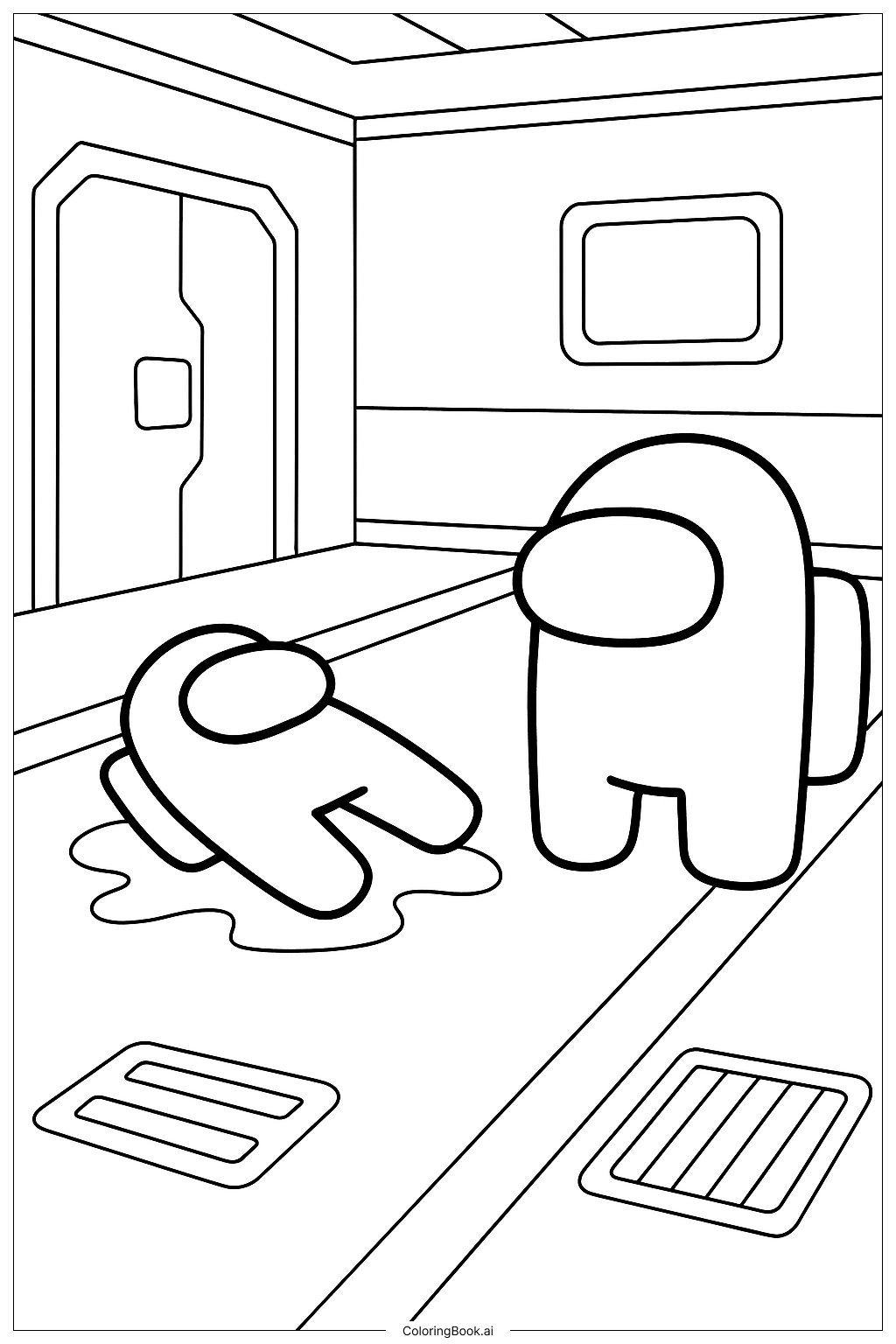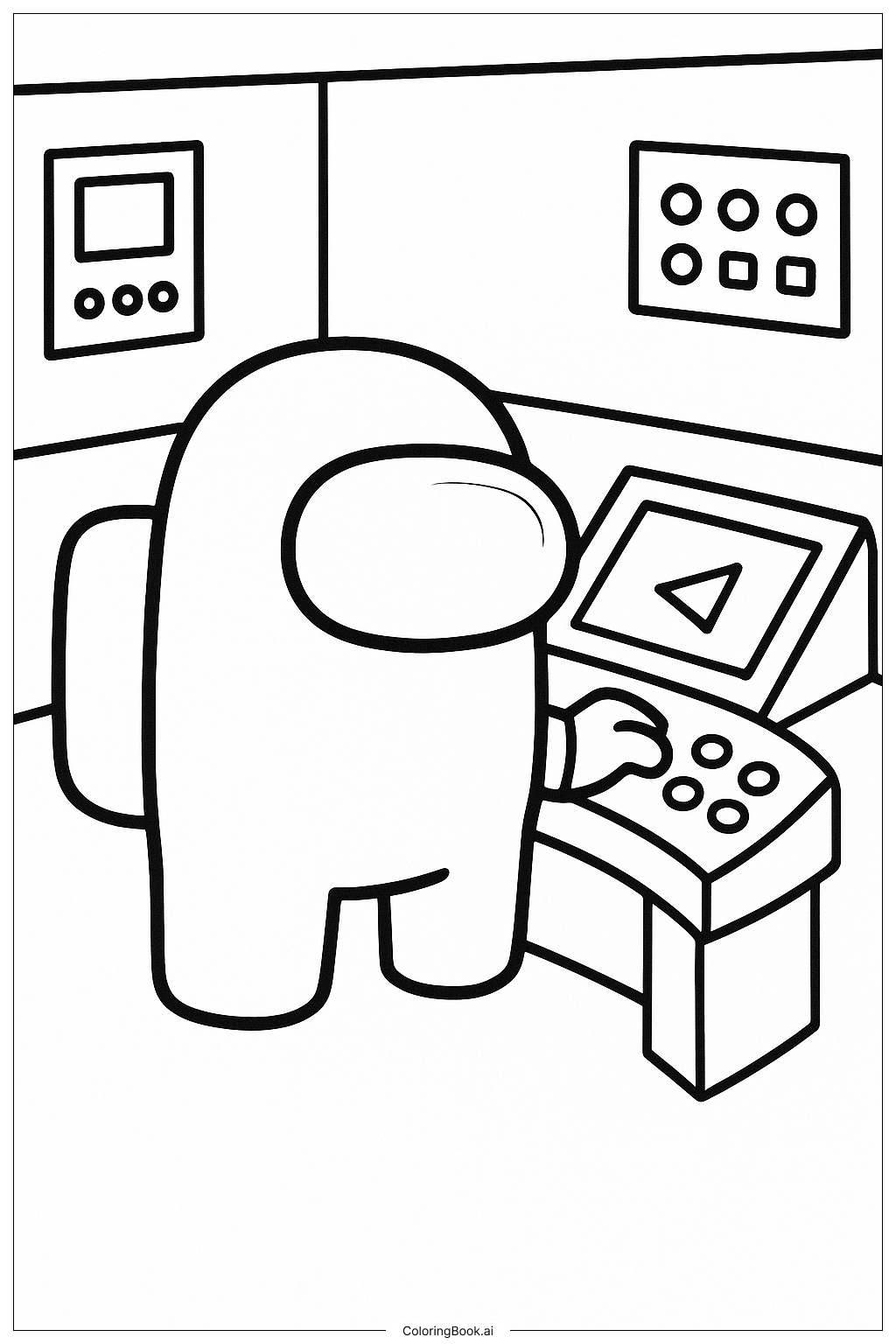
Coloring tips: How to color Among Us Character At The Navigation Panel coloring page well?
Use bright and bold colors for the character's suit, like red, blue, green, or yellow, to make it stand out. Color the visor light blue or gray to show the glass. Use different shades for the control panel buttons and screens to give them a lively look. The walls can be colored light gray or white to keep the focus on the character. Try adding small details with colors for the buttons, such as red or orange, to show they are active. Use neat and careful coloring inside the lines to keep the picture clean and pretty.
Coloring challenges: Which parts are difficult to color and need attention for Among Us Character At The Navigation Panel coloring page?
1. Coloring the small buttons on the control panel can be tricky because they are close together and need careful coloring to avoid mixing colors. 2. The visor on the helmet has a curved shape that might make it hard to color evenly without leaving white spots. 3. The character's hand touching the panel requires attention to detail to keep the colors distinct and avoid coloring outside the lines. 4. Coloring the background areas smoothly is a challenge to avoid making the picture look messy. 5. Balancing bright colors on the character with softer colors on the machine parts and walls takes some planning.
Benefits of coloring books: Advantages of drawing Among Us Character At The Navigation Panel coloring page
Coloring this page helps improve hand-eye coordination as kids work inside small spaces like buttons and the visor. It encourages creativity by choosing different colors for the character and control panel. Concentration and patience grow while carefully coloring details. It also teaches children about shapes and how parts fit together, like buttons on the spaceship panel. Coloring promotes relaxation and focus, making it fun and educational at the same time.